AI Sprite Generator (32-bit)
Generate a richer 32-bit style game sprite with more color depth while keeping crisp pixel structure.
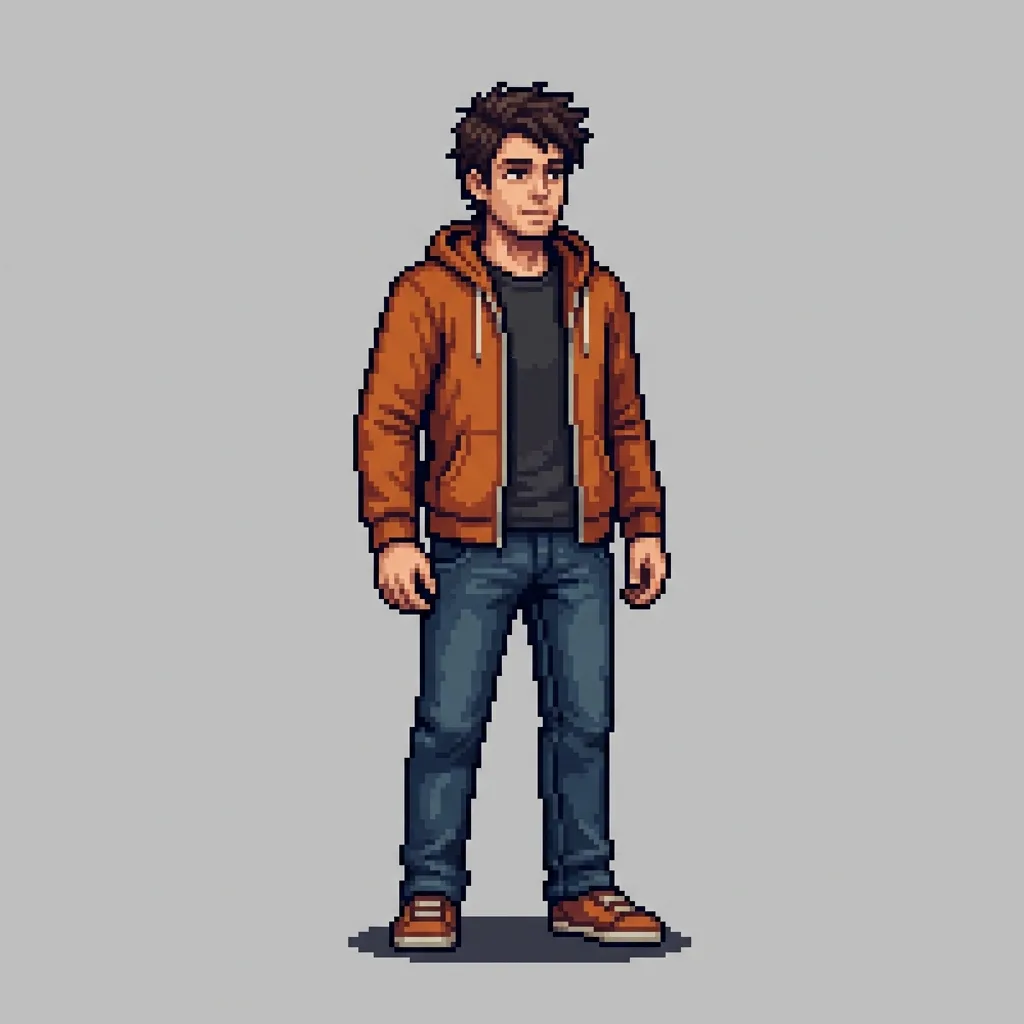 Style outcome
Only upload images you own or have permission to use. Results are saved to your private history.
- Upload one reference image and generate without writing a prompt
- Keep the subject recognizable while the style is applied
- Every result stays in your private history and is downloadable
Gallery
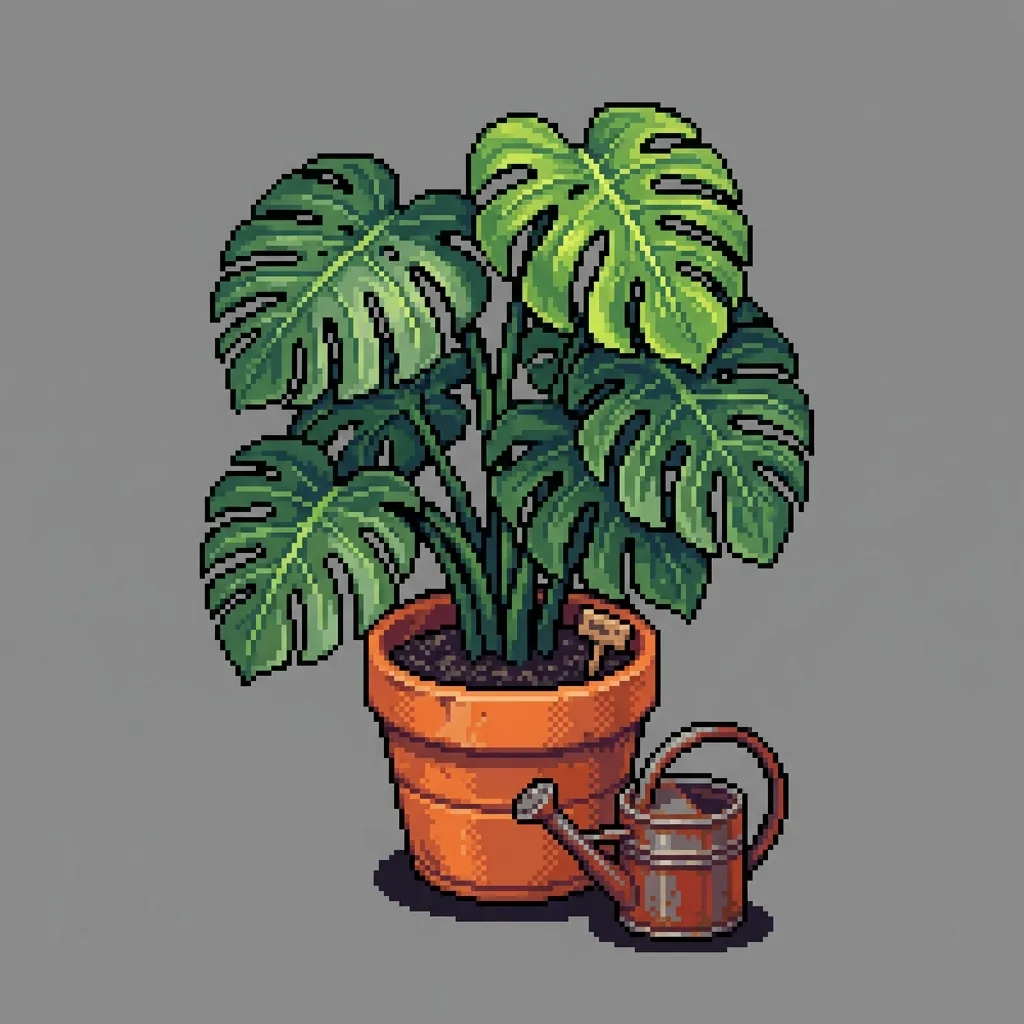
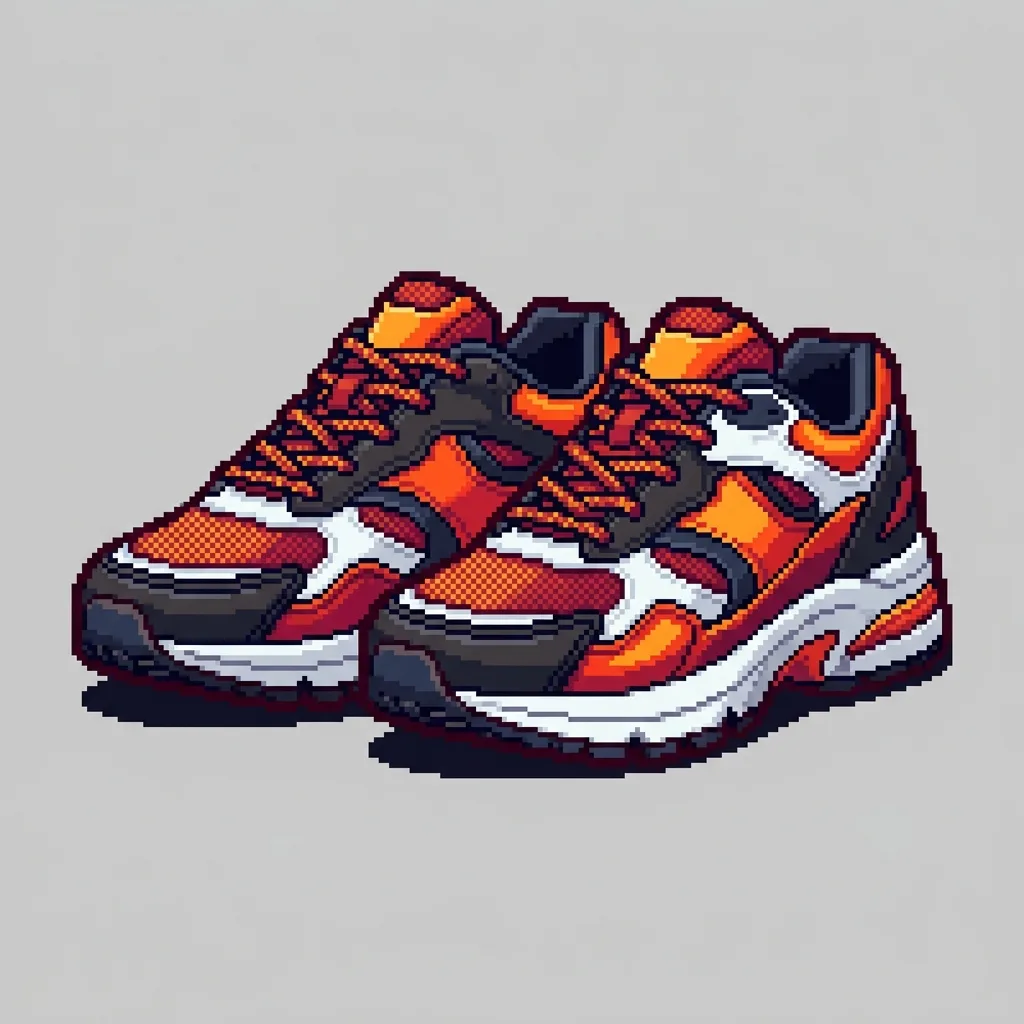
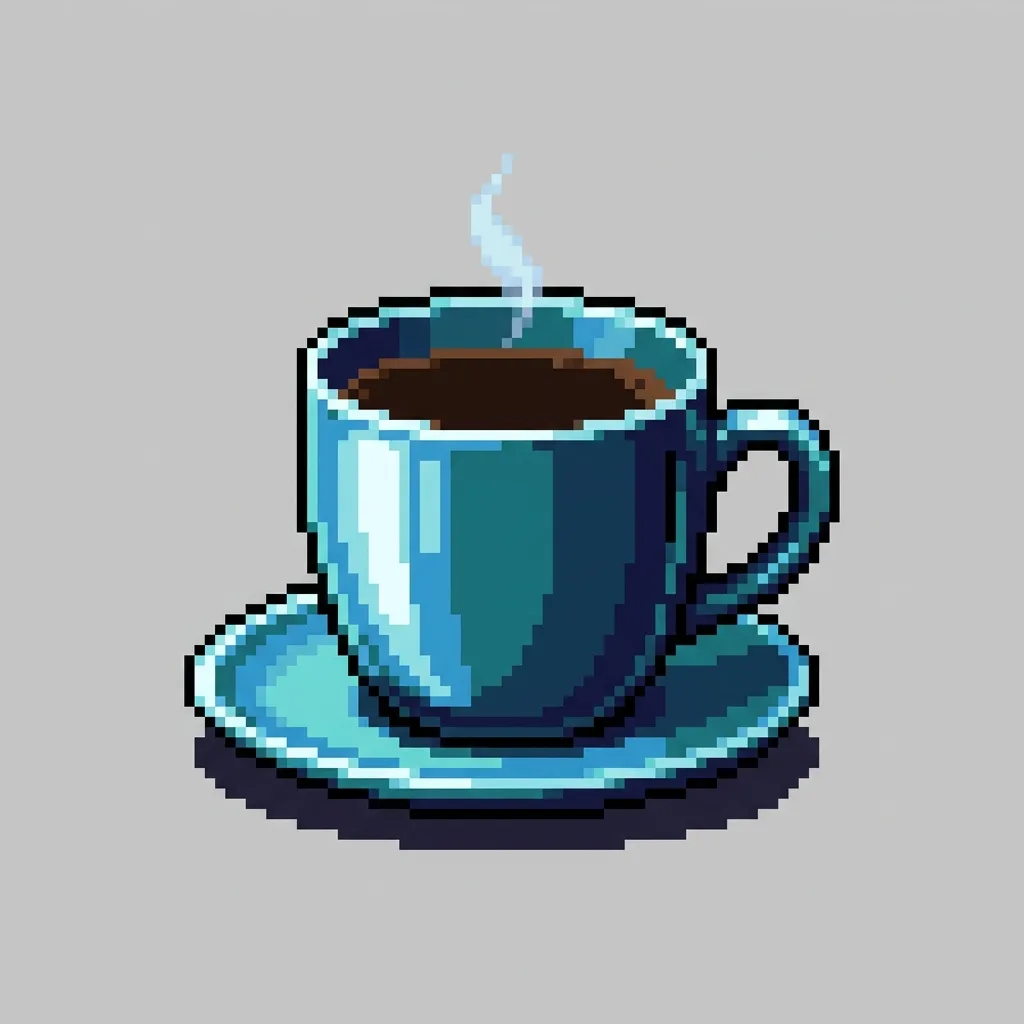
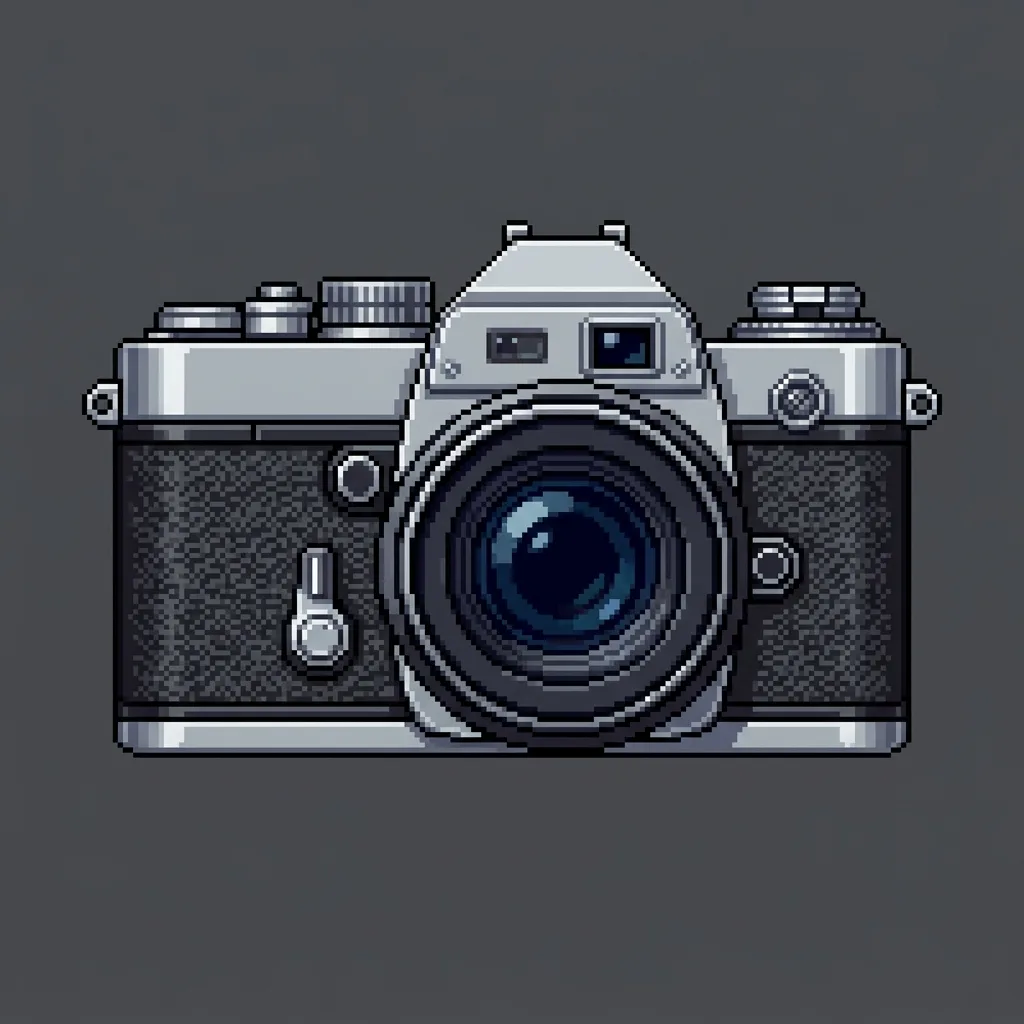
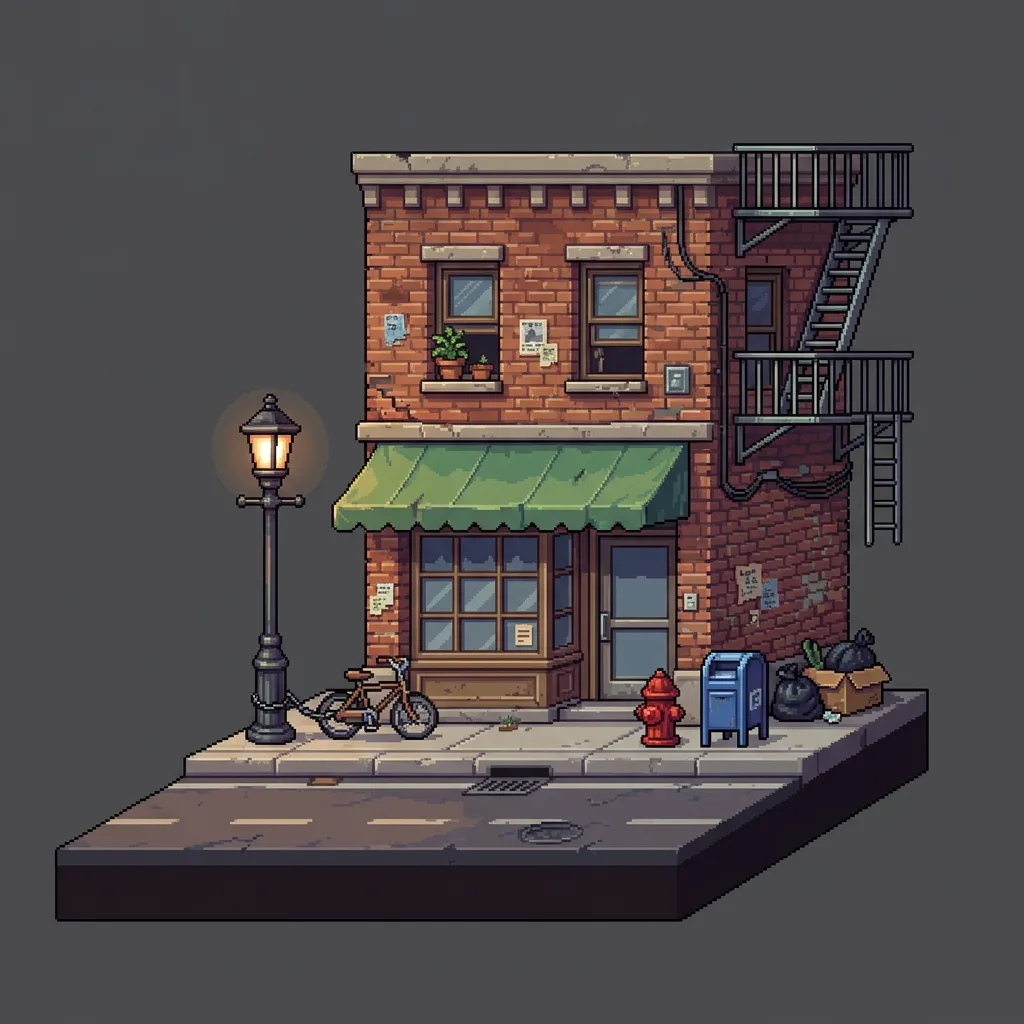
AI Sprite Generator (32-bit) examples
Real results produced with this exact preset. Hover to preview details or upload your own reference above.
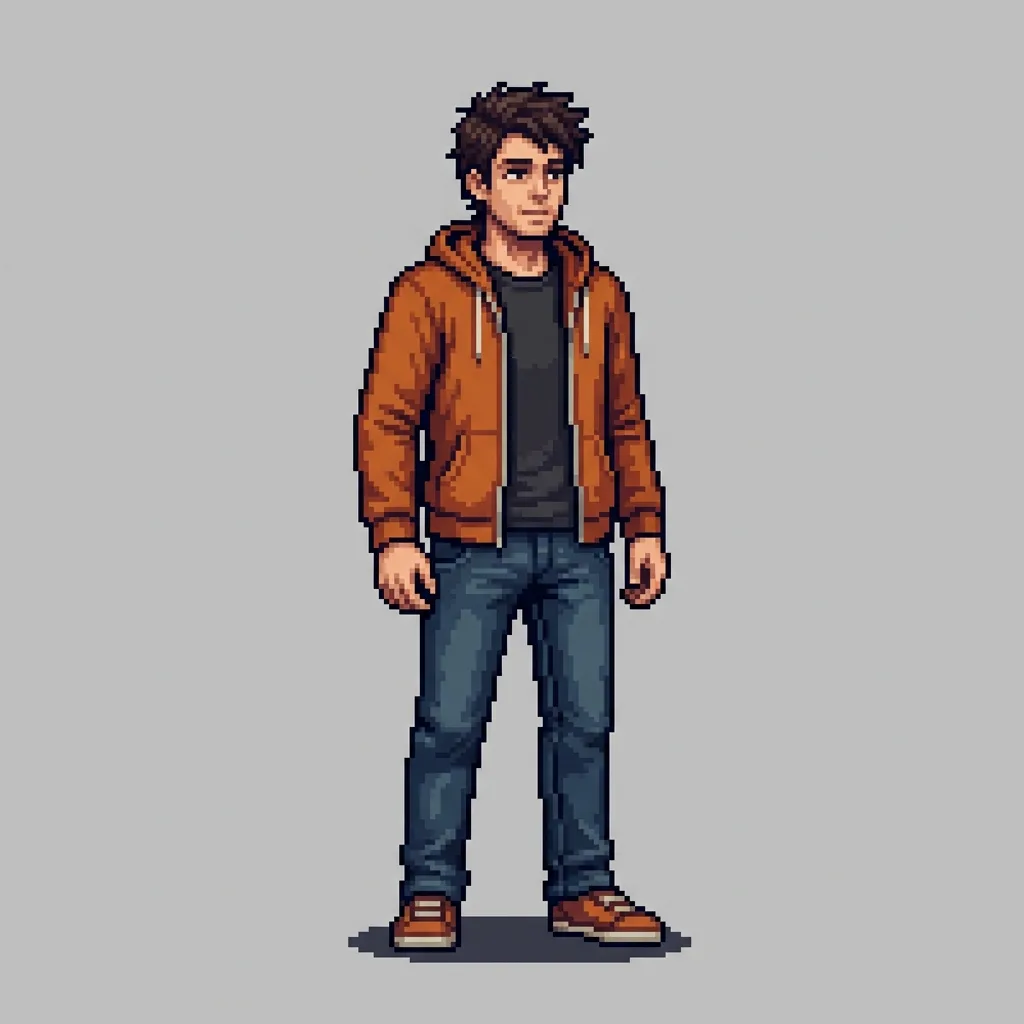
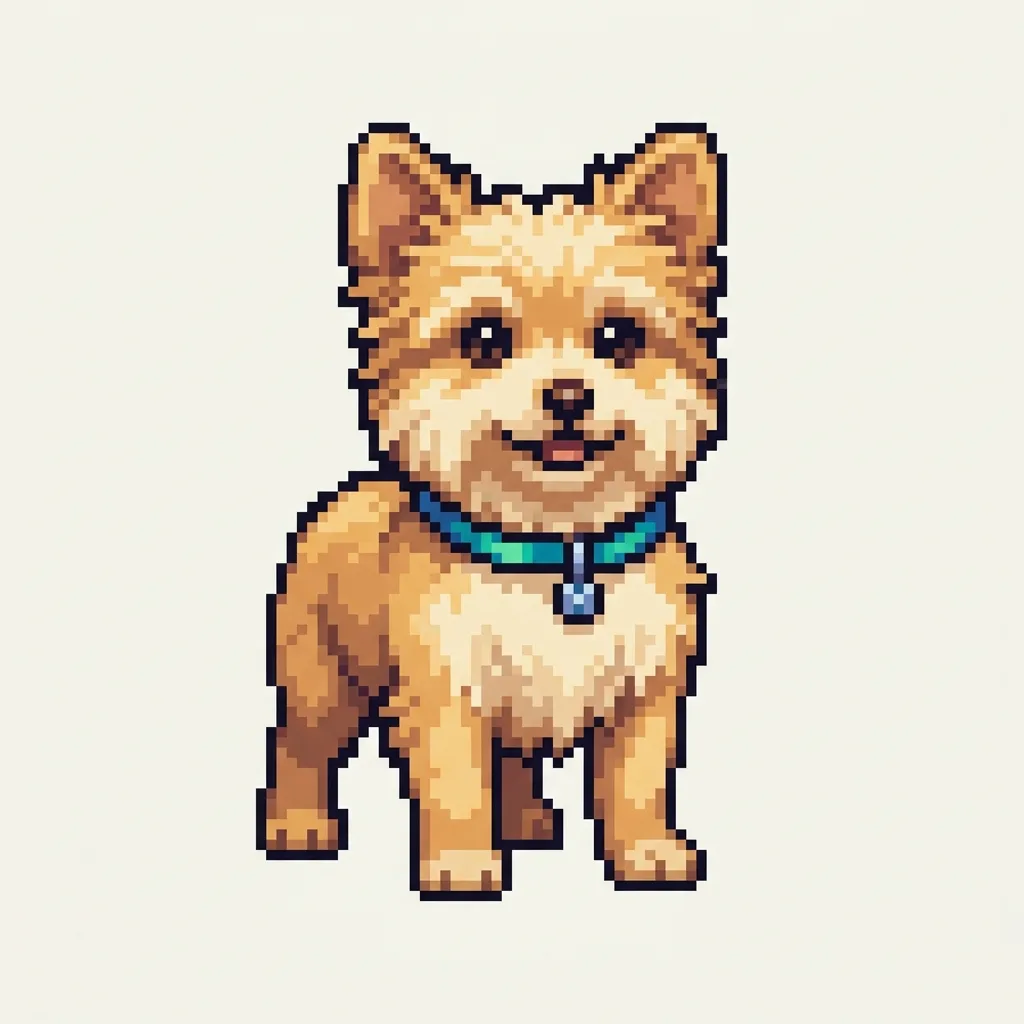
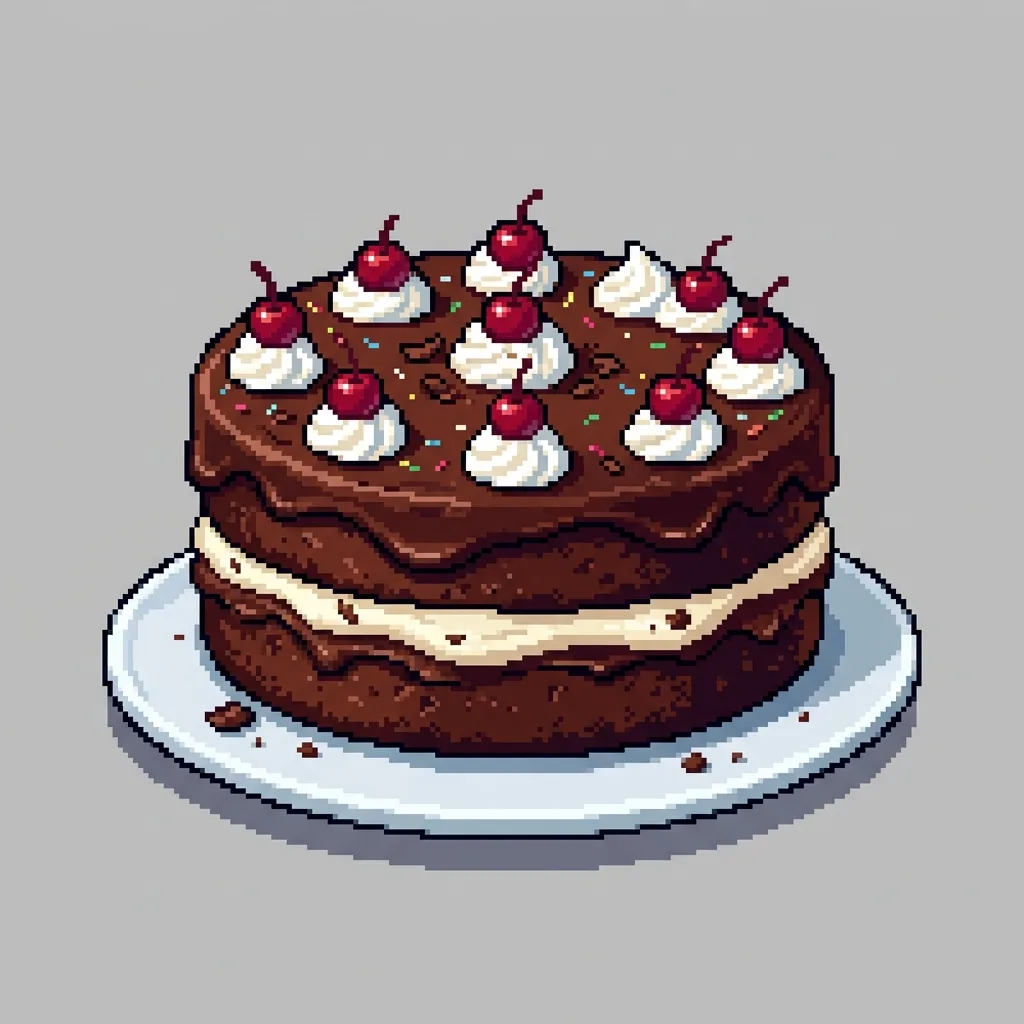
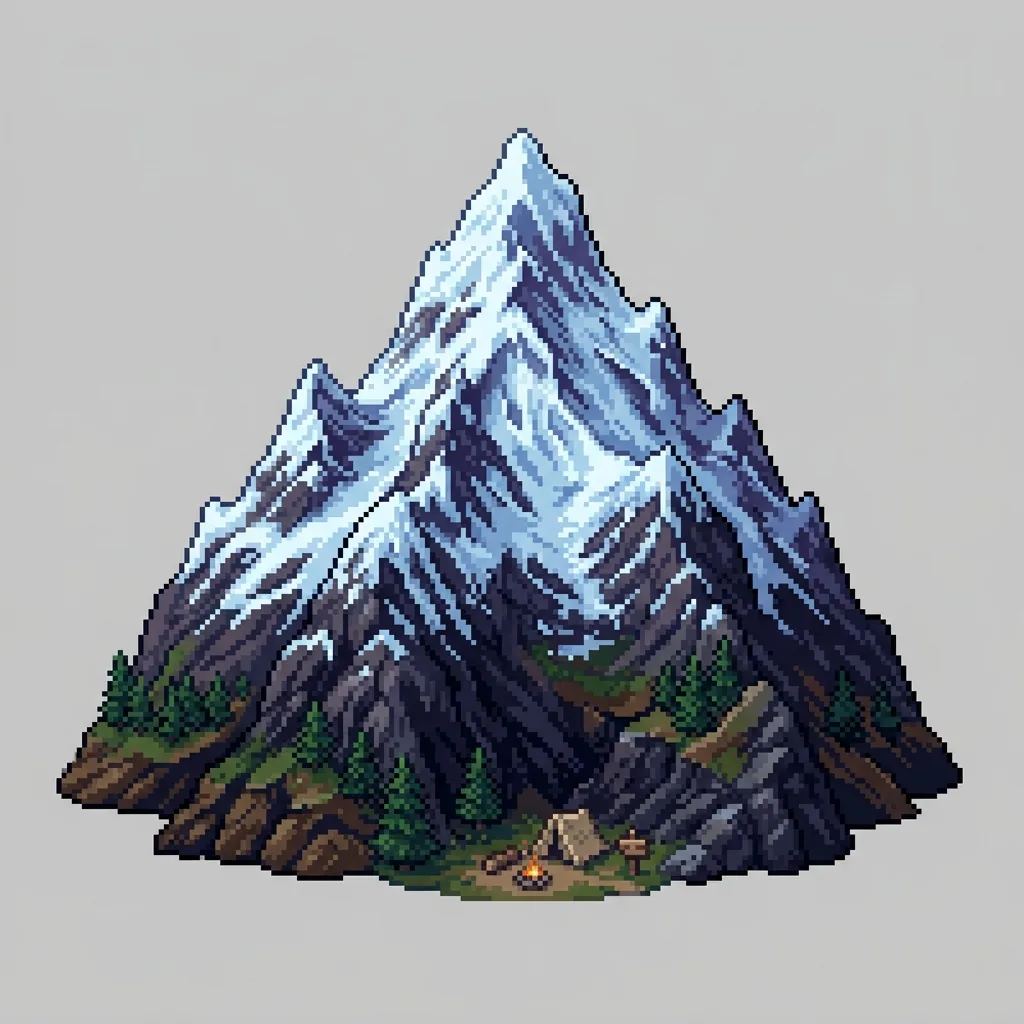
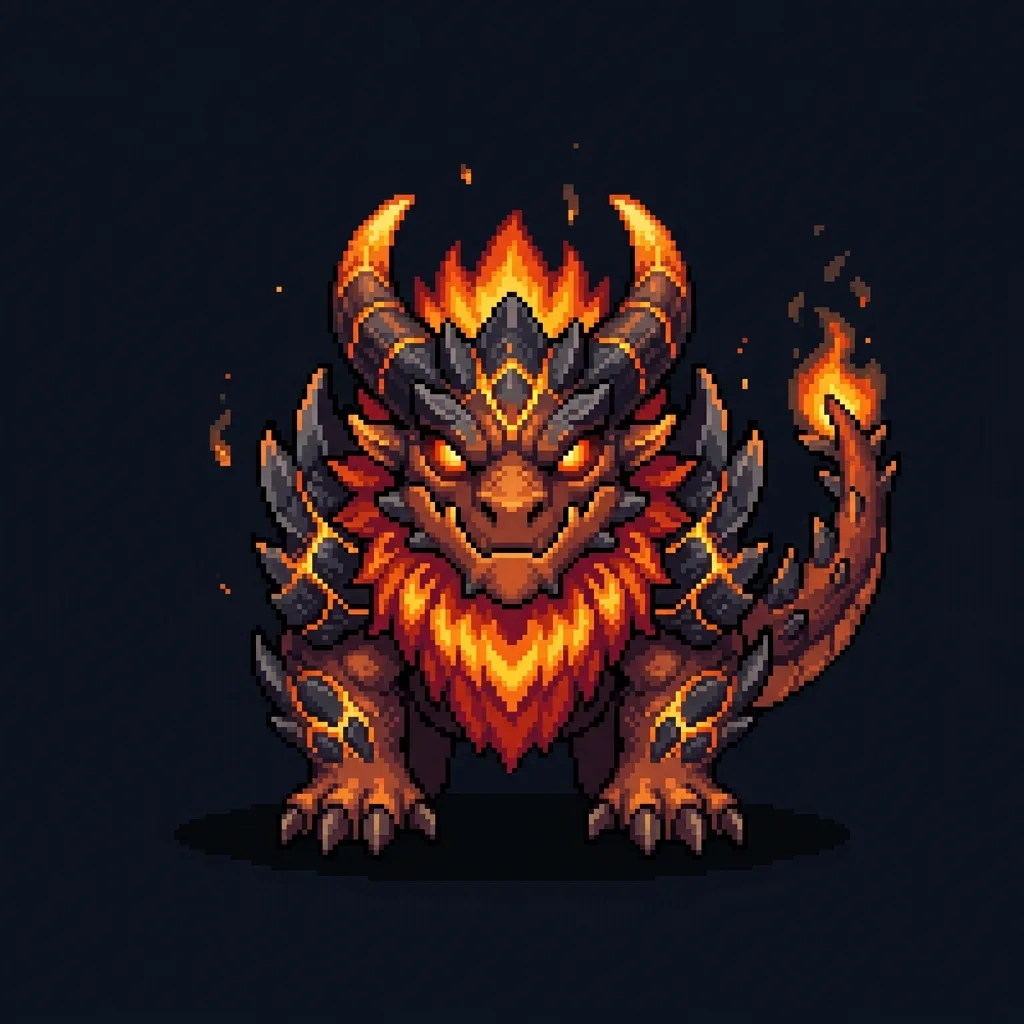
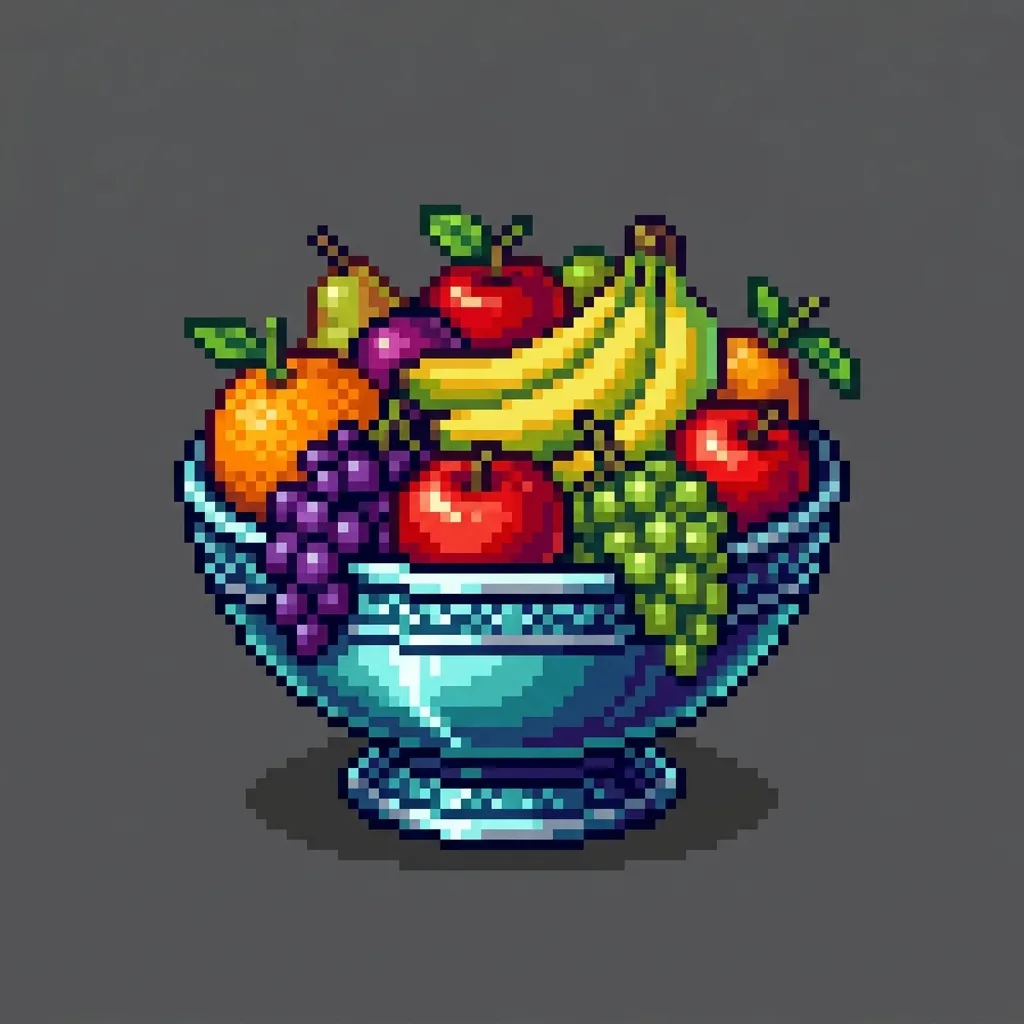
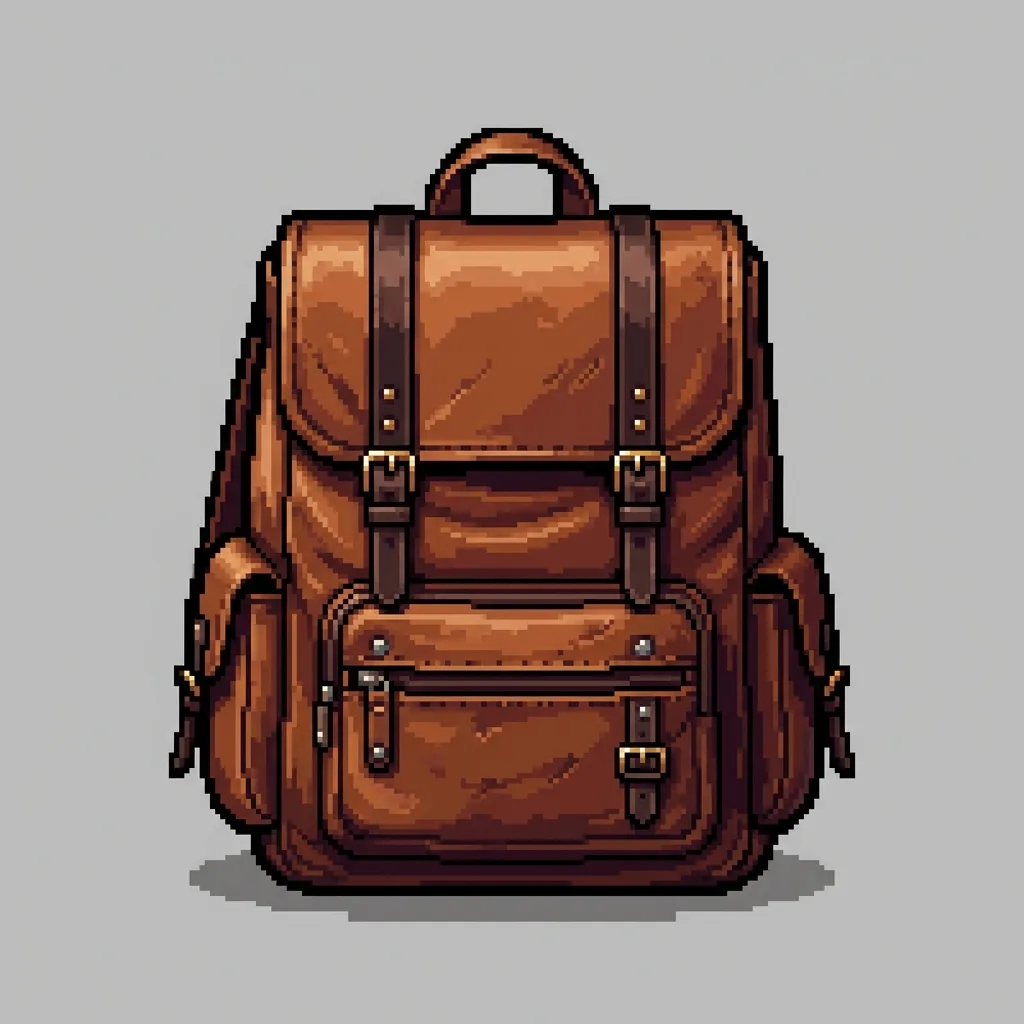
Simple workflow
Three steps, zero prompt writing
- 01
Upload a clear reference image you have the rights to use
- 02
Pick this style and press generate — no prompt writing needed
- 03
Download the result, then try a related style for variations
Common questions
Frequently asked questions
How do I use the AI Sprite Generator (32-bit)?
Upload one reference image, then press generate. The 32 bit sprite generator applies a fixed, production-tested prompt so you do not have to write anything yourself, and your result appears in your private history.
Do I need to write a prompt or adjust settings?
No. The style is fully preset. You only choose the reference image, and the tool submits the engineered prompt and recommended generation settings for you.
What kind of image should I upload?
Upload a clear, well-lit photo or illustration that you own or otherwise have permission to use. Avoid images of other people without consent, and avoid logos or copyrighted characters you do not have rights to.
Can I use the generated image commercially?
Paid plans include commercial usage rights for generated output. Review the result and the underlying model terms before publishing, and only upload source images you have the rights to use.
FreeGPTBanana · 1-Click AI Tool
Try AI Sprite Generator (32-bit) with your own image
Upload your reference above and see the generated result in seconds. Starter credits included.