Marketing Creative
AI Generated Images for Marketing: A Repeatable Creative Workflow
Plan AI generated images for marketing with channel-aware prompts, brand constraints, review checklists, and a credit-conscious workflow for useful campaign assets.
In this guide
AI generated images can help a marketing team explore more visual directions before committing to a photo shoot or design production. The useful question is not whether AI can make something attractive. It is whether the image communicates the campaign idea, fits the channel, respects brand constraints, and survives a human review.
Start with a campaign brief
Write the job before the prompt. Include the audience, offer, channel, and one message the image should support. A campaign brief might be:
A calm launch visual for a productivity app, aimed at independent consultants, for a wide landing-page hero. The image should communicate focus and control, leave room for a headline, and avoid generic “future technology” clichés.
That brief gives you a way to judge the output. Without it, teams often select the most dramatic image instead of the most useful one.
Build a brand-aware prompt
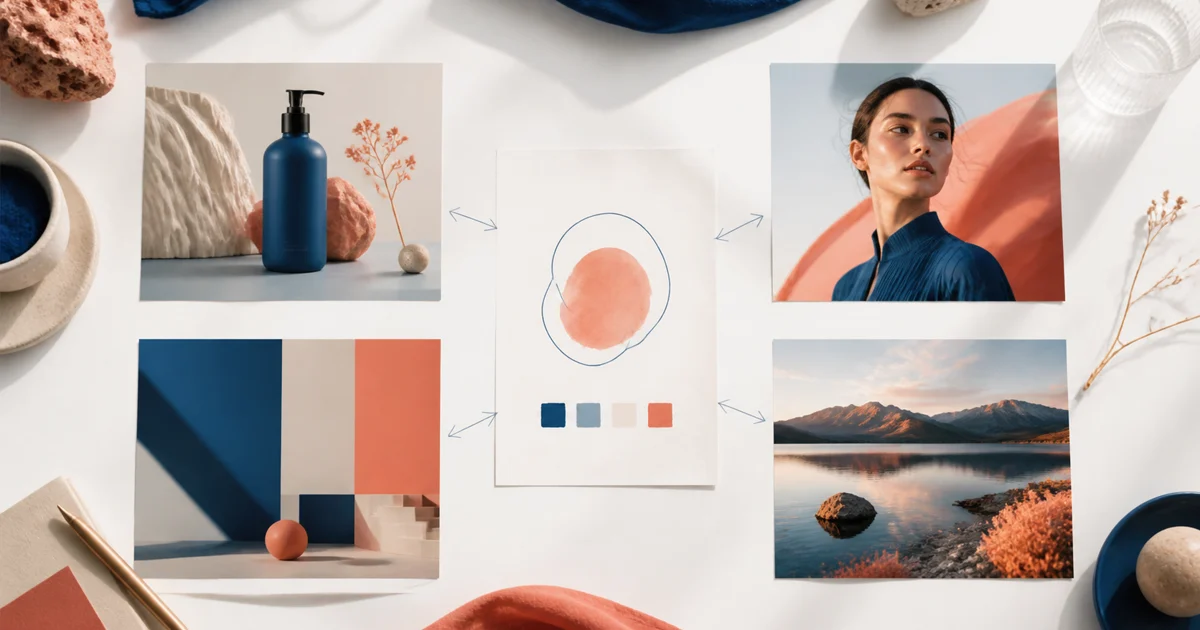
Translate brand rules into visible decisions:
- Palette: name two or three colors, not every shade
- Materials: specify paper, glass, metal, fabric, or skin texture
- Mood: choose calm, energetic, precise, warm, or playful
- Composition: reserve space for copy and logos added later
- Exclusions: avoid competitor marks, invented claims, or unapproved text
Example:
Wide marketing hero for a focused productivity app, organized desk with laptop, notebook, and warm lamp, cobalt and soft cream palette, realistic editorial commercial photography, natural morning light, calm confident mood, clear focal point on the left, generous negative space on the right for typeset headline, no logo and no rendered text.
Create a small concept set
Generate a handful of variations with the same brief. Change one controlled dimension at a time: camera angle, supporting object, background material, or light direction. Label each concept by the decision it tests, such as “warmer light” or “closer crop.”
This approach helps a team compare ideas instead of comparing random prompts. Keep the strongest composition, then revise details inside that direction.
Review marketing images before publishing
Use a checklist that combines creative and factual review:
- Is the product or subject recognizable at the final size?
- Does the crop work in the intended placement?
- Is the negative space large enough for real copy?
- Are colors and materials consistent with the brand?
- Did the model invent text, logos, claims, or extra products?
- Do people, hands, and small details look credible?
- Do you have rights to every uploaded reference and source?
Generated words, prices, dates, packaging claims, and legal marks should be replaced or verified in the final design file. An AI visual can be a strong concept without being a finished advertisement.
Match the workflow to the channel
Landing-page hero
Use a wide composition with one focal subject and deliberate copy space. Keep background detail quiet enough that the headline remains legible.
Product listing
Prioritize silhouette, material, scale, and contact shadow. Compare the result to the real item before showing it to customers.
Social post
State the orientation and where the text-safe area should remain. Add the actual caption and event details outside the generated image.
Editorial content
Use an illustration or scene that clarifies the article’s idea. Avoid generic decoration that adds no information.
Credits, rights, and production limits
AI generated images still consume time and, depending on the product, credits. Free access commonly means starter credits or a limited allowance, not unlimited production. Check the current model, size, and account rules before estimating a campaign.
FreeGPTBanana’s Imagine workspace shows available credits and generation settings in the current interface. It supports text prompts, optional reference images, and reusable prompt templates. For a practical starting point, explore the AI product photo use case or open an Imagine marketing session.
FAQ
Are AI generated images useful for marketing?
They are useful for concept exploration and some production contexts when the output fits the channel, brand, rights, and review requirements. Human approval remains essential.
How do I keep AI marketing images on brand?
Turn brand rules into visible prompt decisions for palette, materials, lighting, mood, composition, and exclusions. Keep a reusable template for recurring campaigns.
Can AI create accurate product advertisements?
It can create convincing product scenes, but labels, proportions, and small hardware may change. Compare the output with the real product and typeset critical information separately.
What should a marketing team generate first?
Start with one channel and one campaign job, create a small concept set, then refine the direction that best communicates the brief.
Put the workflow into practice
Create a focused first image
Start with included credits, keep the prompt and references together, and refine the result in your private Imagine workspace.
Open Imagine