AI Image Workflow
Can ChatGPT Generate Images? What the Workflow Actually Includes
A clear guide to ChatGPT image generation, prompt-based creation, editing, references, review steps, and practical alternatives for finished visual work.
In this guide
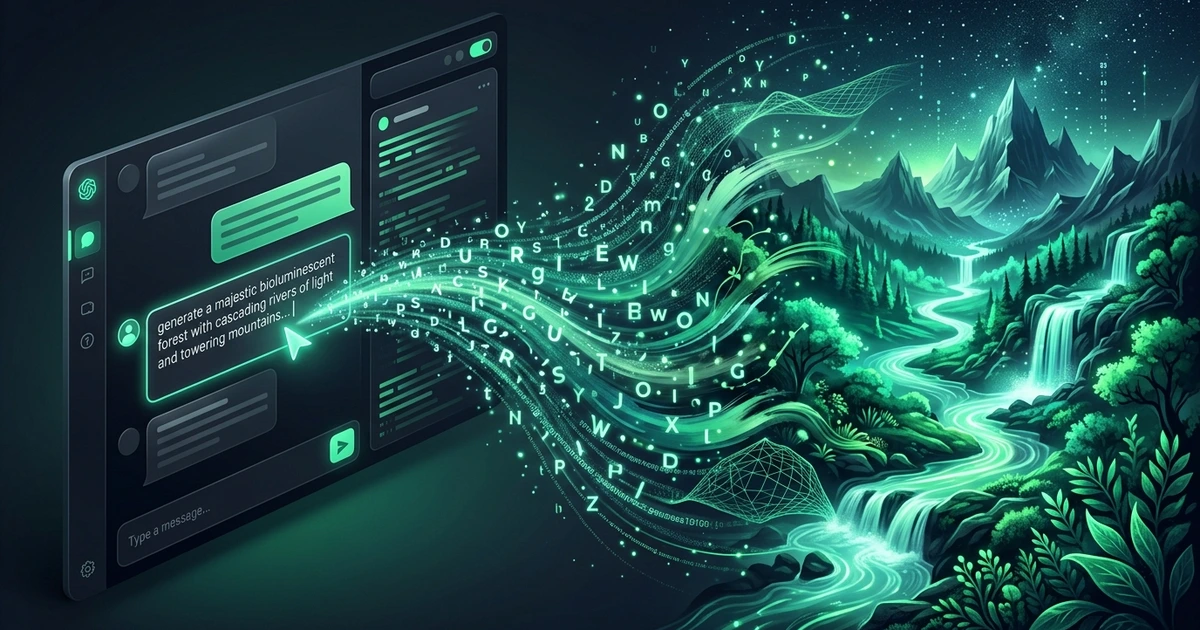
Yes, ChatGPT can generate images in supported experiences, but the useful answer is more specific than a yes or no. Image generation turns a written brief into a visual draft, and the quality of the result depends on the prompt, the available model, the chosen canvas, and the review that follows.
What “ChatGPT image generation” means
Image generation can create a new visual from text, revise an existing image, or use a reference to guide an edit. The exact controls vary by product surface and account. Look for the current model, size, upload, and credit information before planning a campaign.
Typical jobs include:
- Concept images for a product or landing page
- Portrait and profile directions
- Editorial illustrations
- Social campaign variations
- Background and lighting changes using a permitted reference
Generated images still need human review. Small labels, prices, dates, logos, hands, and product geometry can be wrong even when the overall composition looks polished.
A practical prompt for GPT image generation
Start with the visual job, then describe observable details:
Create a wide editorial campaign image for a small productivity app: a clean desk with a laptop, notebook, and warm lamp; three-quarter view; soft morning window light; cobalt and cream palette; realistic commercial photography; clear focal point on the left and empty space on the right for typeset copy; no rendered text.
This prompt works because it specifies the subject, composition, light, style, destination, and constraint. It does not depend on a secret keyword.
How to improve the first result
Review the output against the job statement. Is the subject obvious? Does the crop fit the destination? Is there enough space for copy? Are the important objects accurate?
Change one major variable at a time:
- Keep the subject and style; change the crop.
- Keep the crop; simplify the background.
- Keep the composition; correct one object or material.
Focused revisions make it easier to understand what the model responds to. A full rewrite after every result hides the cause of improvement.
Can it edit a reference image?
Supported image workflows can use an uploaded reference for identity, product geometry, composition, or style. State what must remain fixed and what should change:
Use the uploaded product photo as the reference. Preserve the silhouette, cap, label placement, and matte black finish. Transform only the setting into a pale stone studio with soft side light and a natural contact shadow. Keep a square ecommerce crop and do not add text.
Upload only images you have permission to process. Reference guidance narrows ambiguity, but it does not guarantee pixel-perfect likeness or exact typography.
ChatGPT versus a dedicated image workspace
ChatGPT is useful when conversation, ideation, and quick revisions are the main workflow. A dedicated image workspace is useful when you need saved generations, prompt templates, credit visibility, model and size controls, or a repeatable account-based process.
FreeGPTBanana provides an authenticated Imagine workspace with prompt templates, optional references, and included starter credits for new accounts. Current model availability, credit cost, and output settings are shown in the product. The service does not claim unlimited or unrestricted generation. Try the GPT image generator use case or open Imagine.
Common misconceptions
“One prompt should produce the final asset”
Treat generation as a draft-and-review loop. Production assets usually need a focused revision and a final design pass.
“More adjectives always help”
Conflicting style words create ambiguity. Choose one medium and a few cues that support the visual job.
“Generated text is ready to publish”
Typeset important copy separately. Review labels, numbers, and names at the final display size.
FAQ
Can ChatGPT generate images from text?
Yes, in supported ChatGPT experiences and image-generation workflows. Availability, limits, and controls depend on the current product and account.
Can GPT image generation edit an existing picture?
Supported image workflows can use a permitted upload as a reference or edit source. Describe the details to preserve and the changes to make.
Is a GPT image generator free?
Some products provide limited access or included credits, while others require a plan or charge for additional use. Check the current account and credit rules.
How do I make better AI-generated images?
Define the destination, write a structured prompt, review the first result, and revise the largest problem first. Use a reference when identity or geometry matters.
Put the workflow into practice
Create a focused first image
Start with included credits, keep the prompt and references together, and refine the result in your private Imagine workspace.
Open Imagine