Prompt example 01
Use this example Prompt
Editorial portrait of a creative director, warm side light, textured gray backdrop
Use case
Generate portrait concepts across editorial, cinematic, and social styles while keeping prompt control visible.
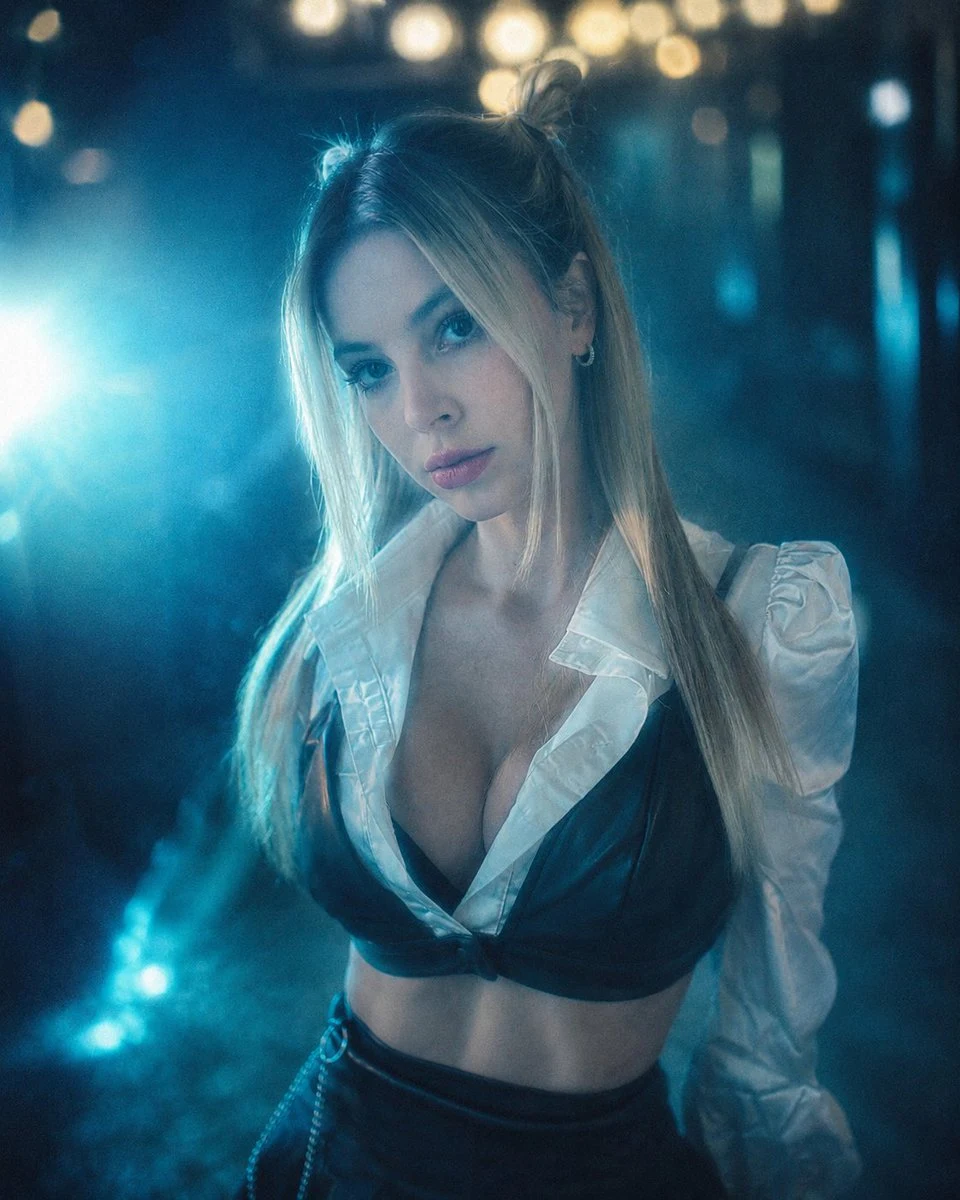
Visual direction preview
Generate portrait concepts across editorial, cinematic, and social styles while keeping prompt control visible.
01
Each example keeps the full structure intact. Send one to Imagine, then replace it with your subject.
Editorial portrait of a creative director, warm side light, textured gray backdrop
Cinematic close-up portrait, rainy city lights, shallow depth of field
02
Turn an abstract request into visual decisions you can control, compare, and refine.
Turn an abstract request into visual decisions you can control, compare, and refine.
Turn an abstract request into visual decisions you can control, compare, and refine.
Turn an abstract request into visual decisions you can control, compare, and refine.
03
Three focused steps bring the first generation closer to a useful result.
Choose a portrait style
Define lighting and background
Generate and refine
04 · FAQ
Practical answers about generation, credits, and final production.
Editorial, studio, cinematic, lifestyle, and profile portraits work well when the prompt defines lighting and composition.
New accounts can start free with included credits. Credits are consumed based on model, size, and generation settings.
FreeGPTBanana · Starter credits included
Choose a prompt example and keep refining it in your private Imagine workspace.