Use case

AI Poster, Sticker, and Infographic Generator

Create coherent AI poster, sticker, and infographic directions for campaigns, events, explainers, communities, and branded content from a structured creative brief.

Translate one structured brief into posters, sticker families, infographic concepts, and campaign-ready visual assets.

  • Explore posters, sticker systems, and visual explainers
  • Define reusable palette and shape rules
  • Generate variations that belong to the same campaign
AI Poster, Sticker, and Infographic Generator

Visual direction preview

Translate one structured brief into posters, sticker families, infographic concepts, and campaign-ready visual assets.

Starter credits included

02

6 poster, sticker, and infographic prompts with results

Compare two poster directions, two sticker systems, and two infographic structures, each with a complete production-aware prompt and generated result.

Browse more complete AI image prompt examples
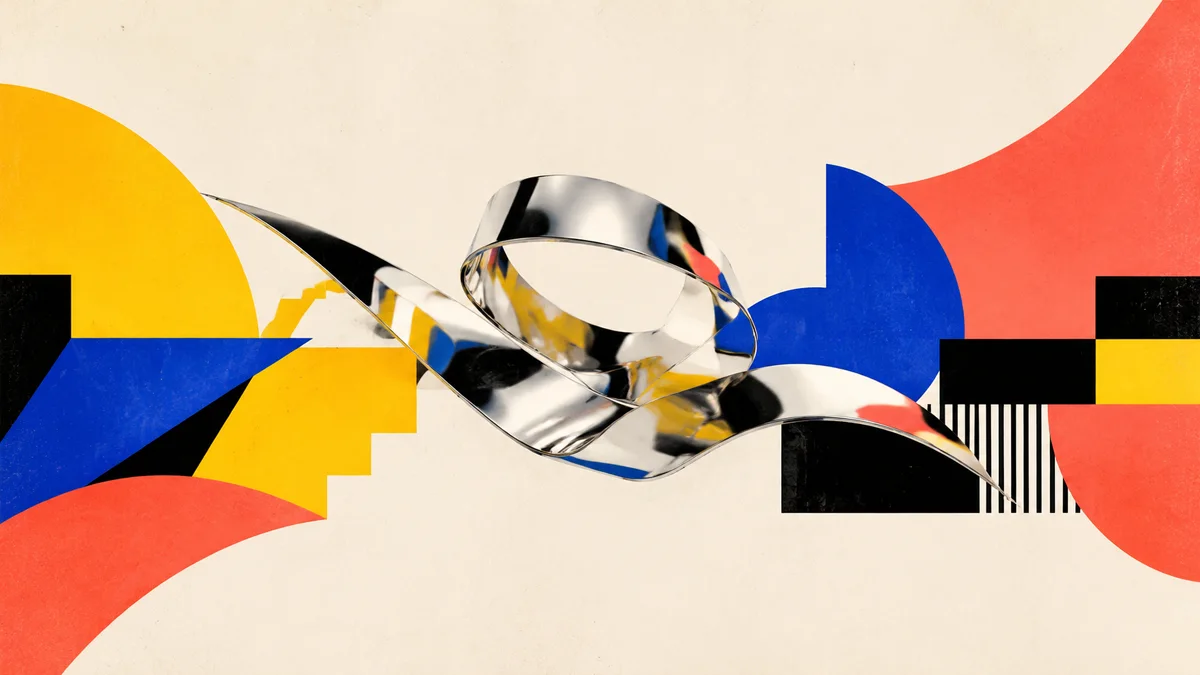
Abstract chrome sculpture and geometric shapes for an event poster
Prompt example 01

Event poster artwork

Prompt

Contemporary event poster artwork for an independent digital design festival, one abstract chrome ribbon sculpture surrounded by oversized modular shapes in banana yellow, cobalt blue, coral, and black, dramatic centered composition, subtle recycled-paper grain, high-energy Swiss-inspired visual hierarchy, landscape presentation with clear empty zones at the top and bottom for later typography, no words, letters, numbers, logos, or watermark.
Use this example
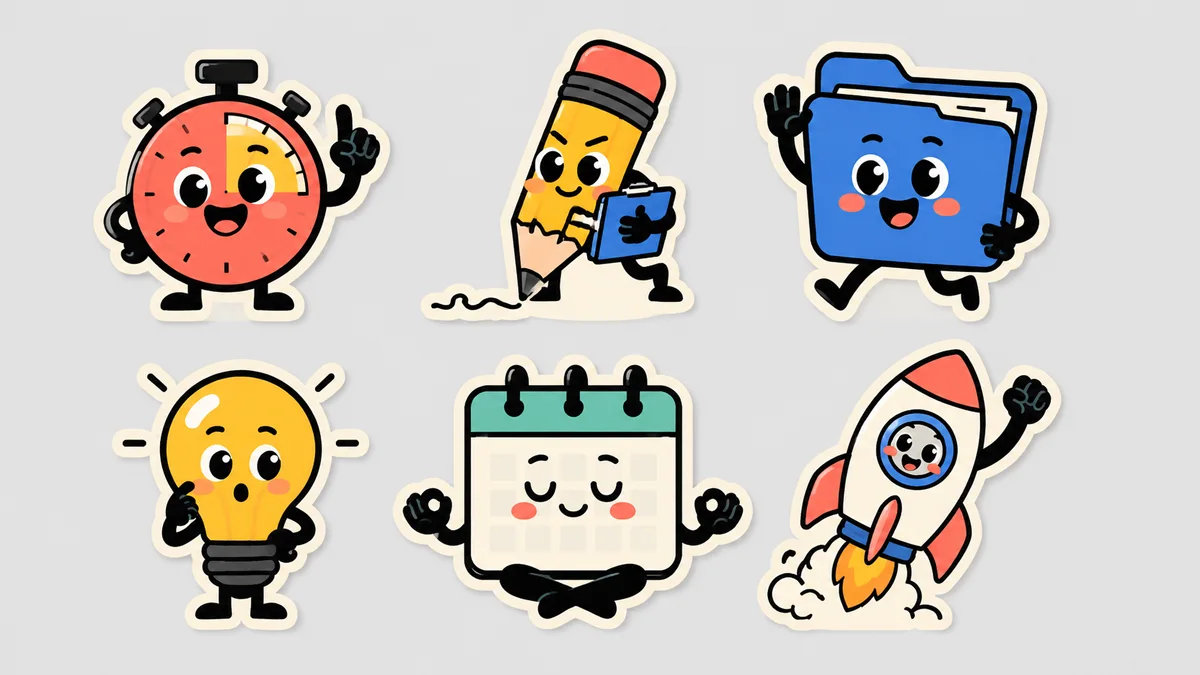
Colorful productivity mascot sticker sheet with six related characters
Prompt example 02

Mascot sticker sheet

Prompt

Sticker sheet featuring six friendly productivity mascots: a smiling timer, a focused pencil, a cheerful folder, a curious light bulb, a calm calendar, and a tiny rocket, each with distinct poses and expressions, consistent rounded geometry and bold black outlines, thick cream die-cut borders, coral, lemon-yellow, cobalt, mint, and black palette, evenly spaced on a pale gray background, polished flat vector-style illustration, no words, letters, logos, or watermark.

Use this example
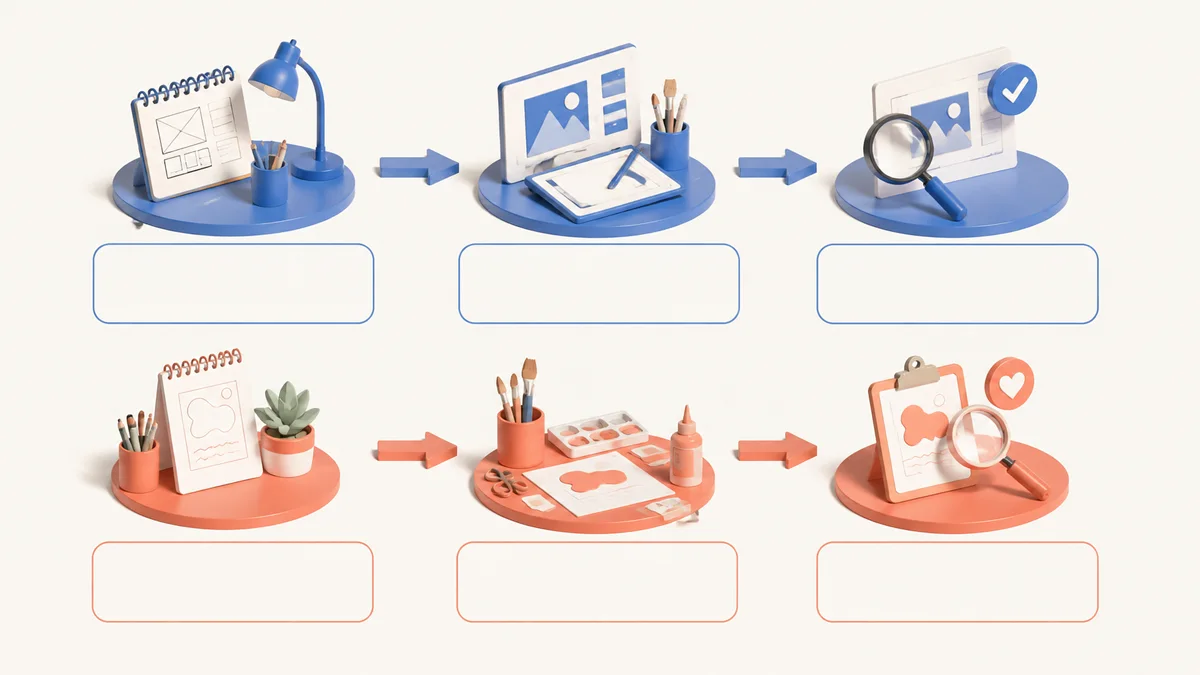
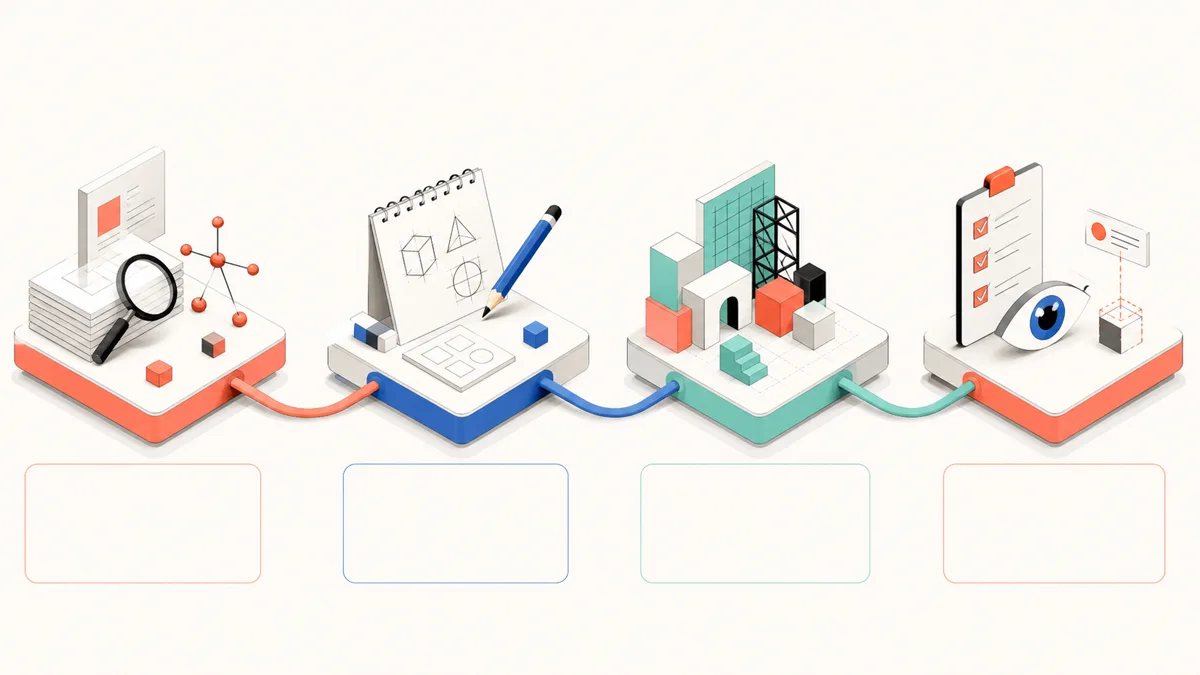
Four-stage creative workflow infographic concept with modular stations
Prompt example 03

Workflow infographic concept

Prompt

Editorial infographic concept explaining a four-step creative workflow through four clearly separated modular stations connected by one flowing dimensional line, simple symbols for research, sketching, building, and review, warm white background with coral, cobalt, mint, and black accents, clean isometric illustration, strong left-to-right hierarchy, generous blank areas beside each station for final labels, landscape composition, no rendered words, letters, numbers, logos, or watermark.
Use this example
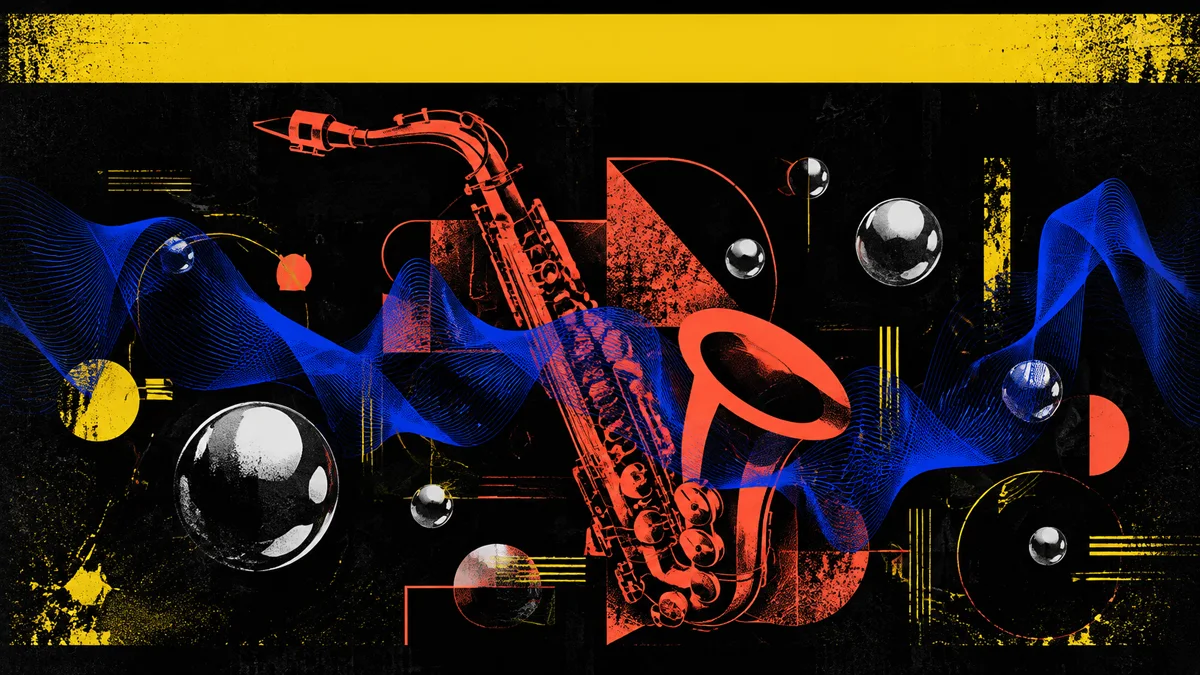
Experimental electronic jazz poster artwork with rhythmic shapes
Prompt example 04

Live music poster artwork

Prompt

Expressive live music poster artwork for an independent electronic jazz night, one translucent cobalt sound wave weaving through a coral-red geometric saxophone silhouette and floating chrome spheres, deep black background with electric yellow accents, dramatic rhythmic composition, tactile screen-print grain and contemporary experimental design, landscape presentation with a clear text-safe band along the top, no rendered words, letters, numbers, logos, faces, or watermark.

Use this example
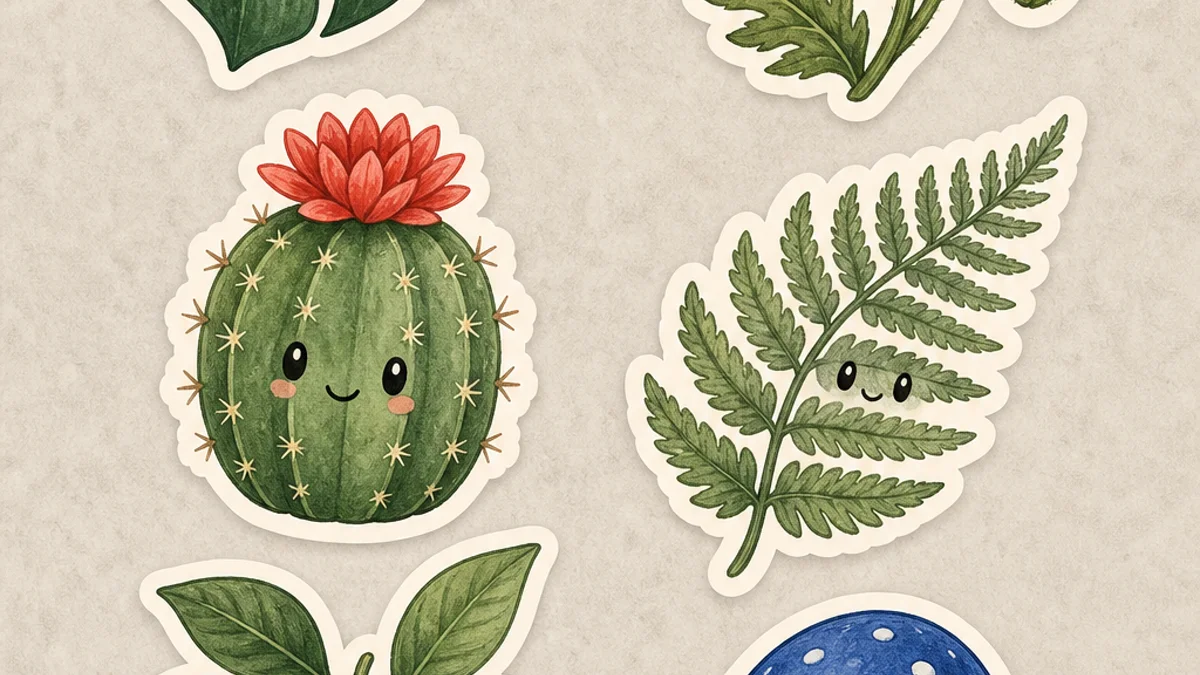
Six illustrated botanical stickers with consistent hand-inked styling
Prompt example 05

Botanical sticker collection

Prompt

Sticker sheet of six distinct botanical study mascots: a monstera leaf, red poppy, tiny cactus, fern frond, lemon branch, and blue mushroom, each with a subtle friendly expression, consistent hand-inked outlines and softly textured gouache fills, thick warm-white die-cut borders, forest green, coral, lemon, cobalt, and sage palette, evenly spaced on a pale stone background, polished illustration, no words, letters, logos, pots with branding, or watermark.

Use this example
Two-path creative process comparison infographic concept
Prompt example 06

Comparison infographic concept

Prompt

Editorial comparison infographic concept showing two creative production approaches as parallel left-to-right paths, each path built from three clearly separated modular stations connected by dimensional arrows, simple symbols for planning, making, and reviewing, warm white background with cobalt for one path and coral for the other, clean isometric illustration and balanced hierarchy, generous blank panels below each station for final data labels, landscape composition, no rendered words, letters, numbers, logos, or watermark.
Use this example

03

Turn one brief into a family of creative assets

Keep the idea coherent while changing format, density, and composition for different jobs across a campaign.

Made forBrand and marketing designersCommunity and event teamsProduct storytellers
01

Poster directions

Explore hierarchy, focal imagery, color systems, and space for final typography.

02

Sticker families

Develop related characters, objects, expressions, and consistent cutout treatment.

03

Visual explainers

Organize processes, comparisons, and concepts into approachable graphic structures.

04

The asset-system prompt blueprint

Asset prompts work best when they define the family rules first, then specify the format and information density of each output.

  1. 01

    Asset type

    State whether you need a poster, sticker sheet, infographic, icon family, or key visual.

  2. 02

    System rules

    Set palette, shapes, line treatment, materials, and consistency requirements.

  3. 03

    Content hierarchy

    Describe what leads, what supports, and where final text should be added.

  4. 04

    Production finish

    Specify aspect ratio, background behavior, edges, spacing, and review requirements.

05

From brief to visual direction

Three focused steps bring the first generation closer to a useful result.

  1. 01

    Choose the asset family and production format

  2. 02

    Define visual rules and information hierarchy

  3. 03

    Generate variations, review details, and prepare final copy

06 · FAQ

FAQ

Practical answers about generation, credits, and final production.

Should I use these as final production files?

Use generated visuals as strong creative directions. Review text, factual details, accessibility, dimensions, and brand rules before final production.

How do starter credits work?

New accounts can start free with included credits. Credits are consumed based on model, size, and generation settings.

FreeGPTBanana · Starter credits included

Build the first piece of your visual system

Start from a production-aware example and adapt the asset type, system rules, and campaign message.

Start free