Prompt Writing
AI Poster, Sticker, and Infographic Prompts: 12 Adaptable Examples
Use 12 AI poster, sticker, and infographic prompts to explore visual concepts, hierarchy, series consistency, and layout-ready image directions.
In this guide
An AI poster generator, AI sticker generator, or infographic generator can help a creative team explore visual directions quickly. It is less reliable as a final layout engine. Posters need precise type hierarchy, stickers need clean contours and a coherent series, and infographics need accurate facts and readable labels. Treat the generated image as an art-direction base, then finish production typography, numbers, citations, and accessibility in a design tool.
That approach gives you the useful part of image generation without asking it to solve an editing problem it cannot reliably verify. Start with one message, one visual idea, and a clear destination crop. Keep the prompt focused on shape, composition, color, texture, and the space needed for final copy.
The twelve examples below are adaptable for campaigns, product education, community events, and content marketing. Replace bracketed details with approved information, and do not use a generated illustration to imply a fact that has not been checked.
For campaign imagery that will live in feeds, see AI social media image prompts. For a larger prompt library, browse Prompts.
Three visual jobs, three different briefs
Posters need a focal point and type space
A poster should be readable at a distance and at thumbnail size. Ask for one focal object, a clear contrast field, and a deliberate empty zone where headline, date, location, or call to action will be placed later. Do not depend on generated letters for event facts or offer terms.
Stickers need a repeatable visual system
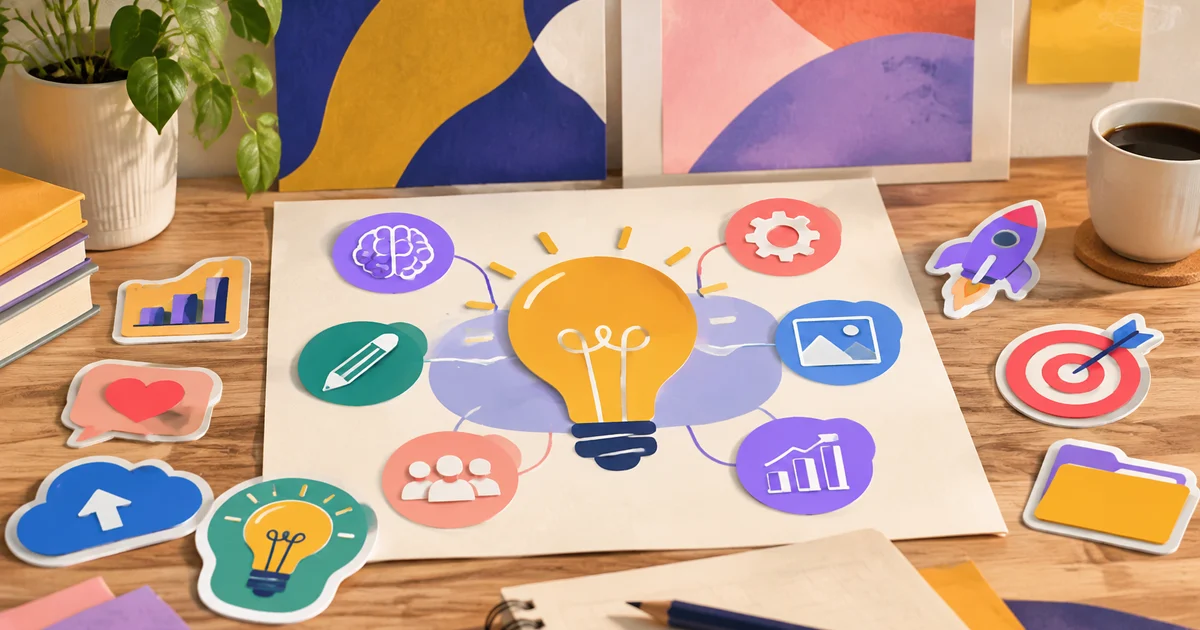
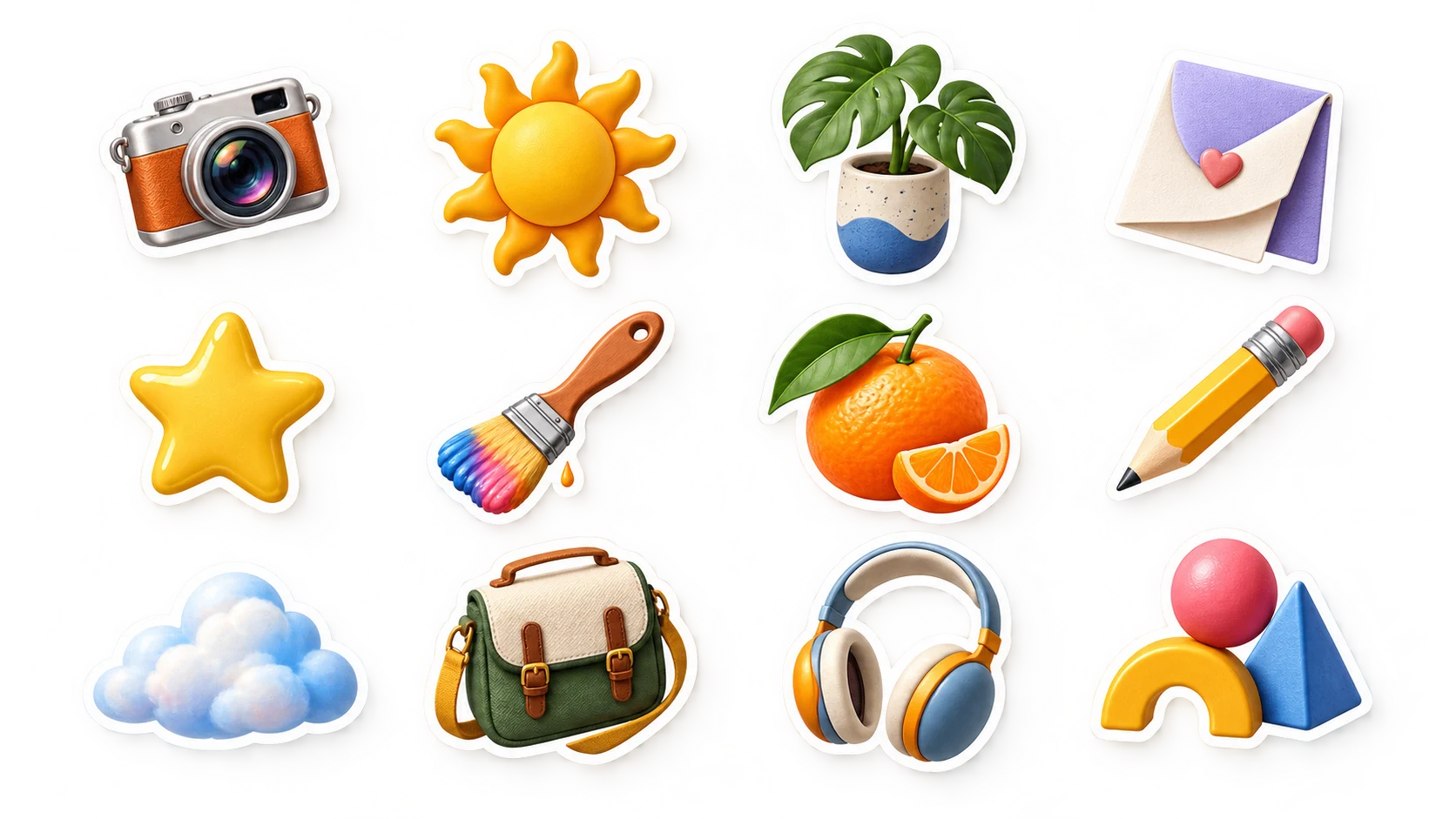
A sticker is a small object with a clear silhouette. Define the outline, color range, line weight, mood, and how much internal detail will remain visible at small size. Generate a few stickers under the same visual recipe rather than making every item from a different style direction.
Infographics need verified information outside the image
An infographic is a communication system, not just an attractive diagram. Use an image generator for a background, object illustration, or layout concept. Build the final labels, numbers, comparisons, citations, and accessible text in a design tool after the underlying facts are approved.
Four AI poster prompts
1. Community workshop poster base
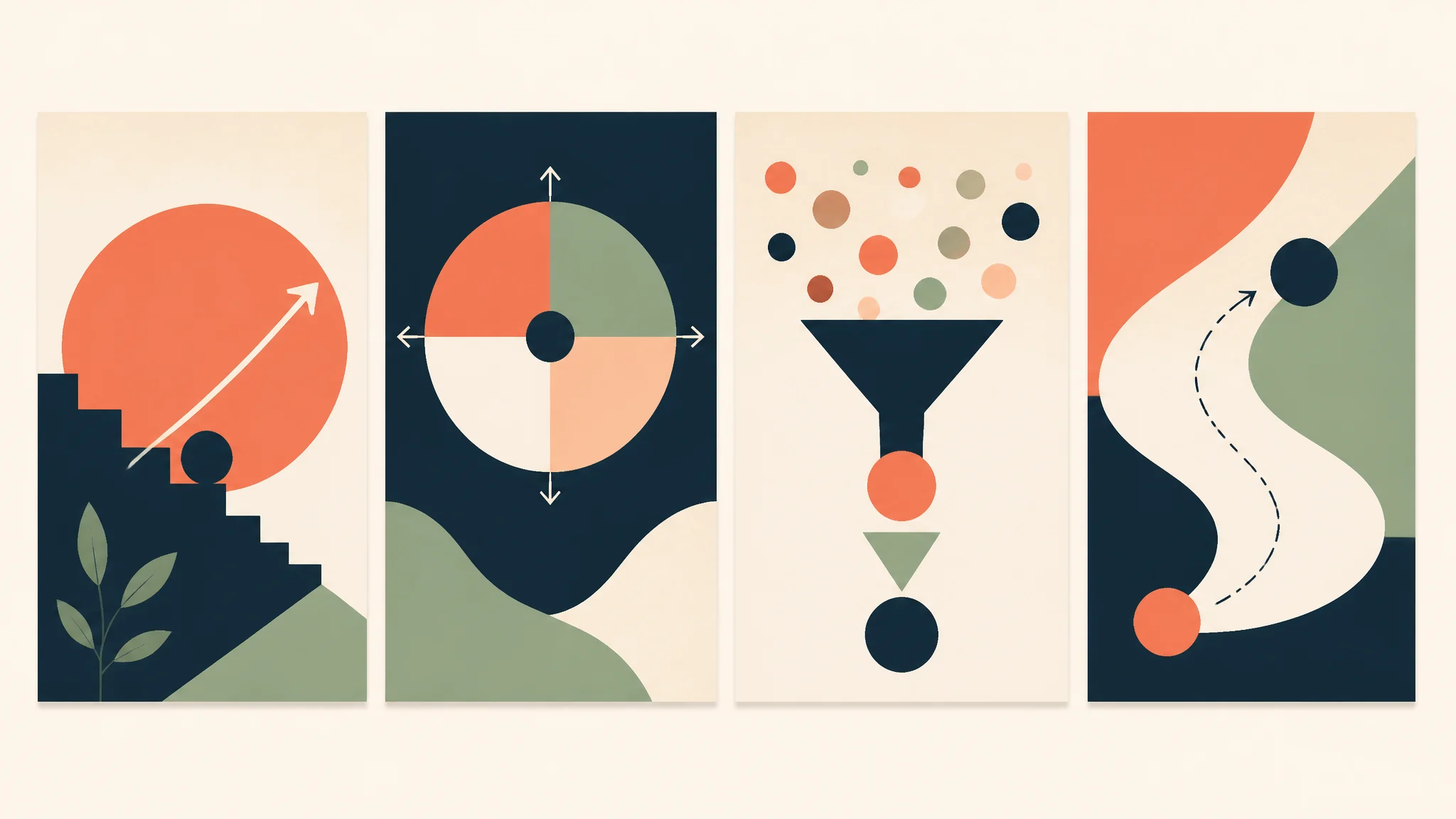
Create a vertical poster illustration base for a [community workshop] about [topic], one bold central visual metaphor: [object or scene], warm coral, forest green, and off-white palette, tactile paper texture, clear quiet area in the upper third for later title and a clean lower band for date and location, energetic but readable composition, vertical 2:3 crop. No text, numbers, logos, tickets, or claims.
The final title and event details should be typeset after the visual direction is approved. Keep the large empty areas genuinely simple so they remain usable.
2. Music or cultural-event visual
Create a dramatic but restrained poster image for a [music / film / cultural] event, with one abstract [instrument / projected light / architectural shape] emerging from a deep [navy / burgundy / dark green] field, controlled spotlight, grainy printed-poster texture, clear high-contrast center, negative space at top and bottom for later information design, vertical 2:3 composition. No artist names, dates, venue names, or copied artwork.
Avoid asking the generator to reproduce a famous poster artist or a current campaign. Describe the material and mood you need instead.
3. Product-launch poster concept
Use the approved reference [product] accurately as the focal object. Create a vertical product-launch poster background with the product on a simple [brand-color] plinth, soft edge light and a clean shadow, quiet architectural shapes in the background, broad empty upper area for later headline, polished editorial retail direction, 2:3 crop. Preserve the real product shape, color, material, and visible details. No text, price, feature, logo, or launch claim not provided.
If the final poster makes factual claims, verify them independently. The visual should not turn a concept detail into a promise.
4. Environmental-awareness campaign
Create a vertical awareness-campaign poster base centered on one clear image: [hands holding a repaired object / a small urban garden / a reusable container], natural daylight, rich but realistic greens and warm neutrals, restrained screen-print texture, generous space at the top for a later campaign message, readable simple composition, 2:3 crop. No slogans, statistics, certifications, organizational logos, or unverified environmental claims.
For public-interest work, source claims and local facts separately. A persuasive image is not evidence.
Four AI sticker prompts
5. Friendly productivity sticker
Create a single die-cut sticker of a friendly [clock / notebook / pencil] character, thick consistent off-white outline, simple rounded silhouette, cobalt blue, warm yellow, and charcoal palette, one expressive face, subtle paper texture, centered on a transparent-looking plain background, designed to remain legible at 64 pixels. No text, logos, or brand characters.
The prompt describes silhouette and scale. Export the selected design with a real transparent background only after you have prepared the final artwork.
6. Nature-collection sticker set
Create a cohesive set of four die-cut sticker concepts: [mushroom, leaf, hiking boot, mountain], shared thick cream outline, limited moss green, rust, and pale blue palette, slightly hand-drawn ink lines, consistent light source and line weight, each object separate with generous spacing, square composition. No words, logos, or copied character styles.
Generate one object at a time if the set comes back inconsistent. Reuse the fixed palette, outline, and line-weight instruction in every prompt.
7. Ecommerce packaging seal concept
Create a small circular packaging-sticker illustration for [product category], centered [simple object or symbol], clean bold contour, two-color [brand palette], flat screen-print texture, high contrast, simple enough to read at 30 millimeters, generous empty border for later approved text or barcode placement. No words, claims, certifications, ratings, or logos not supplied.
A small package seal needs a very simple picture. Do not put required product information into generated imagery.
8. Event-badge sticker direction
Create a die-cut event-badge sticker illustration for [event theme], a single playful [object or mascot-like original shape] holding or interacting with [relevant prop], thick dark outline, warm orange, teal, and cream palette, bold readable silhouette, slight printed-ink texture, square crop. No text, year, sponsor marks, trademarks, or resemblance to existing characters.
Choose an original object-led concept. This keeps the system flexible and reduces the risk of a confusing resemblance to a protected character.
Four AI infographic prompts
9. Three-step process illustration base
Create a square infographic illustration base for a three-step process from [input] to [action] to [outcome], using three simple original objects connected by one clear path, warm coral, forest green, and off-white palette, clean flat editorial illustration, obvious visual sequence, open space below each object for later verified labels, no words, numbers, icons copied from other brands, or data claims.
Add the actual step names and any metrics in the final layout. Keep the generated visual as a diagrammatic aid, not the source of information.
10. Comparison-layout concept
Create a wide 16:9 editorial comparison-graphic background with two balanced visual zones separated by a simple vertical divider, [material or object A] on the left and [material or object B] on the right, shared neutral background, consistent soft light, equal visual weight, clean blank title and caption areas, no text, checkmarks, ratings, charts, or conclusions.
This gives a designer a neutral stage. The final comparison needs sourced criteria and legible labels, not generated checkmarks.
11. Data-story illustration
Create a vertical 4:5 visual base for an approved data story about [topic], one central metaphorical object representing [trend or change], three small supporting abstract shapes arranged in a clear upward or downward rhythm, restrained [brand palette], clean editorial vector-like illustration, large reserved areas for later chart, source line, and explanatory copy. No numbers, percentages, axes, labels, or statistical claims.
Use a real charting tool for the data. The illustration should support the story without pretending to be the chart.
12. Product-care explainer base
Create a square visual direction for a product-care explainer, showing three simple original illustrated scenes: [clean], [store], and [reuse], consistent line weight, calm blue, cream, and charcoal palette, clear step order left to right, generous blank spaces under each scene for later reviewed instructions, clean practical editorial illustration. No text, safety symbols, warranties, or instructions that have not been approved.
Care information can affect safety and returns. Match final instructions to approved product documentation, not to the generated scene.
Make a series consistent
Save a visual recipe for every selected direction: palette, outline color, line weight, texture, lighting, crop, and the amount of blank layout space. Repeat that recipe in each new prompt. If a result starts to drift, make a correction that keeps the recipe and changes only the item:
- “Keep the outline, palette, and texture. Replace the notebook with a reusable water bottle.”
- “Keep the poster composition. Make the central object smaller and leave more clear space above it.”
- “Preserve the three-step order and visual style. Simplify the supporting shapes.”
- “Keep the product accurate. Remove the invented accessory and restore the approved material color.”
This makes a campaign more coherent and helps a designer turn selected concepts into a reusable system.
Final production checklist
Before a poster, sticker, or infographic is published, check:
- Is the message still clear at the final physical or screen size?
- Has all final wording been typeset, proofread, and localized outside the generated image?
- Are numbers, comparisons, citations, dates, prices, and product claims verified?
- Is every real product, person, brand mark, location, and reference image approved?
- Does the composition leave adequate contrast and space for accessible typography?
- Is the final file exported in the required crop, resolution, and format for its destination?
For more layout-ready campaign images, revisit AI social media image prompts. When you have a concise visual brief, start an illustration workflow in Imagine.
FAQ
Can an AI poster generator make a final poster?
It can create an art-direction concept or image base. Finish the final poster in a design tool so type, dates, locations, legal copy, contrast, and print specifications can be checked.
How do I make AI-generated stickers consistent?
Keep the outline, palette, line weight, texture, and level of detail fixed across prompts. Generate one sticker at a time when a multi-object set becomes inconsistent.
Can I use AI for an infographic with real data?
Use it for an illustration or layout concept, but create the final chart, labels, numbers, and citations with verified data in an editing or charting tool.
What size should a poster or sticker prompt use?
Ask for the aspect ratio closest to the final use, then leave margins for cropping and typography. Verify actual print dimensions and platform requirements before exporting.
Should I include text in the prompt?
Describe where text will go, but add real text later. This produces cleaner visuals and keeps the final message editable, accurate, and accessible.
Put the workflow into practice
Create a focused first image
Start with included credits, keep the prompt and references together, and refine the result in your private Imagine workspace.
Open Imagine