Prompt Writing
12 AI Social Media Image Prompts for Campaigns and Posts
Adapt 12 AI social media image prompts for Instagram, LinkedIn, Pinterest, Stories, carousels, thumbnails, launches, promotions, and events.
In this guide
A prompt for an AI image generator for social media needs more than a platform name. It needs a message hierarchy, a crop, a visual system, and enough empty space for the real headline, logo, offer, or caption that will be added later. The image is the raw visual layer, not the finished post.
That distinction makes campaign work much easier to review. Rather than asking a generator to produce a perfect promotional graphic with tiny readable lettering, use it to create a composed background, editorial scene, product arrangement, or illustration. Then assemble approved copy in a tool that gives the marketing team control over spelling, contrast, localization, and legal language.
These twelve AI social media image prompts cover evergreen formats for a brand, creator, ecommerce team, or event marketer. Change the bracketed details to match an approved brand brief, and test the result in the final platform crop before publishing.
For a wider collection of visual starting points, visit Prompts. The free AI image generator guide explains the basic image workflow.
The social-image prompt formula
Write the brief in this order:
- Campaign purpose: announcement, educational point, launch, event, product story, customer story, or promotion.
- Main visual: a product, person, scene, object, or abstract editorial device that represents one idea.
- Brand system: two or three approved colors, materials, lighting, and a level of energy that fits the channel.
- Composition: portrait, square, horizontal, top-down, close-up, or environmental image, plus the empty areas needed for later layout.
- Guardrails: no generated text, no unapproved logos, no unsupported product claims, and no visual elements that contradict the campaign.
Use a familiar brand system without asking the generator to reproduce a trademarked style exactly. A mood such as “warm editorial product photography with cobalt accents” is more flexible and easier to adapt than a request to imitate a named designer or company.
12 AI social media image prompts
1. Instagram product story
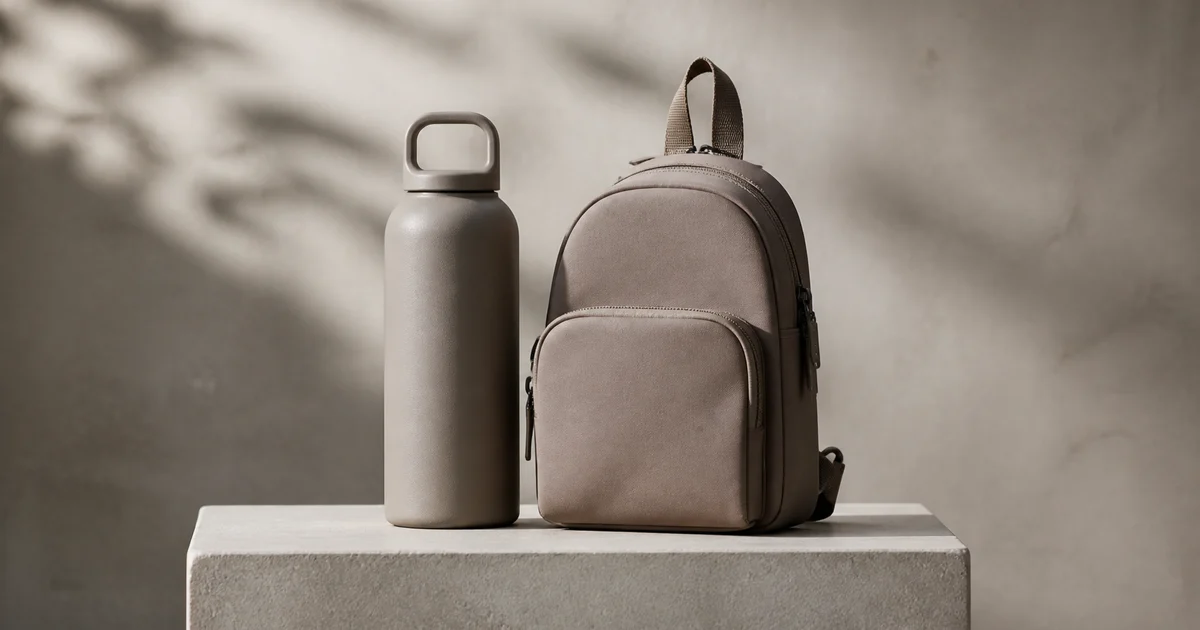
Create an Instagram campaign visual for [product or service], with [product] as the clear focal object on a [brand-color] surface, soft directional studio light, one tactile supporting prop, clean negative space in the upper third for later headline layout, editorial commercial photography, vertical 4:5 crop. No text, price, rating, discount, or logo not supplied by the brand.
Use the upper third only as a guide. Add the final headline in a design tool after the image is approved.
2. LinkedIn expertise post
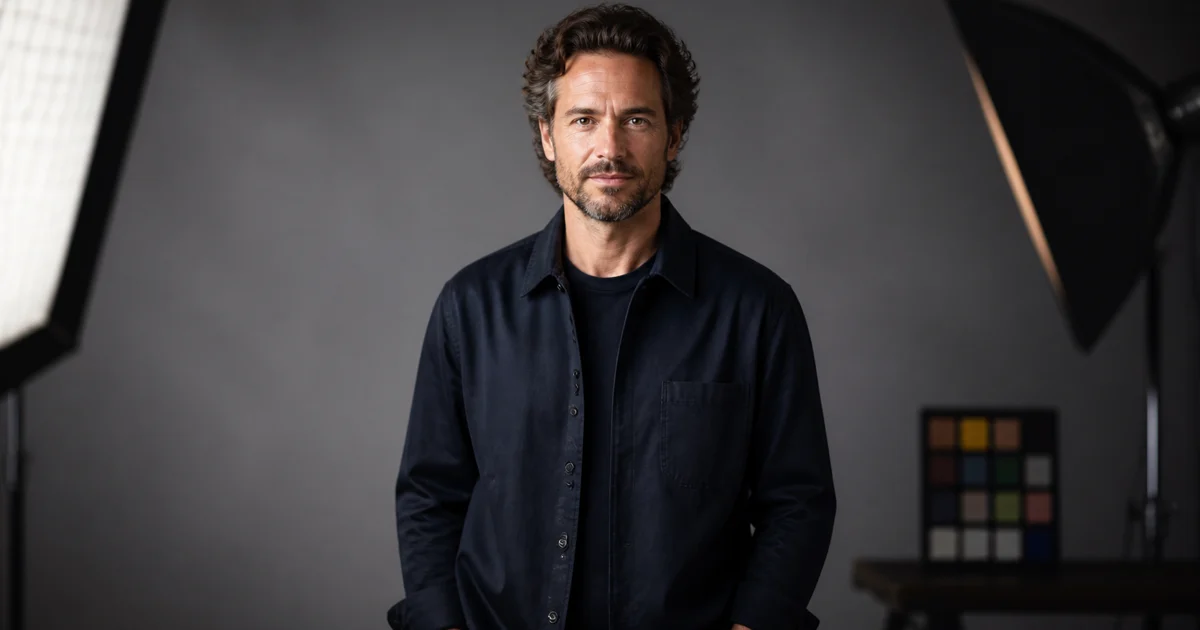
Create a calm LinkedIn visual for a post about [business topic], showing a [founder / analyst / team] in a real, uncluttered working environment, natural window light, thoughtful but approachable expression, muted [brand colors] in small details, room on the left for a later concise title, clean editorial photography, horizontal 1.91:1 crop. No visible generated text or invented company marks.
LinkedIn images work best when one idea is visible quickly. Avoid a collage of dashboards, charts, and decorative symbols competing for attention.
3. Pinterest planning image
Design a vertical Pinterest-ready visual direction for [topic], with a carefully arranged [room / recipe / product set / project materials] scene, top-down or eye-level perspective chosen for the subject, bright natural light, a clear central focal point, layered but readable textures, open area at the top for later title typography, vertical 2:3 crop, practical editorial photography. No text or unsupported claims.
Pinterest is often saved for later, so favor clarity and useful context over a momentary visual trick.
4. Vertical Story or Reel cover
Create a vertical 9:16 social-story cover for [campaign], with one bold [product / person / object] centered in the safe middle area, high but controlled contrast, simple [brand-color] background with subtle texture, small visual detail near the bottom, ample room above and below for platform controls and later copy, crisp campaign photography. No text, buttons, or generated interface elements.
Keep the important visual away from top and bottom overlays. Preview the final crop in the publishing platform before scheduling.
5. Carousel opening slide
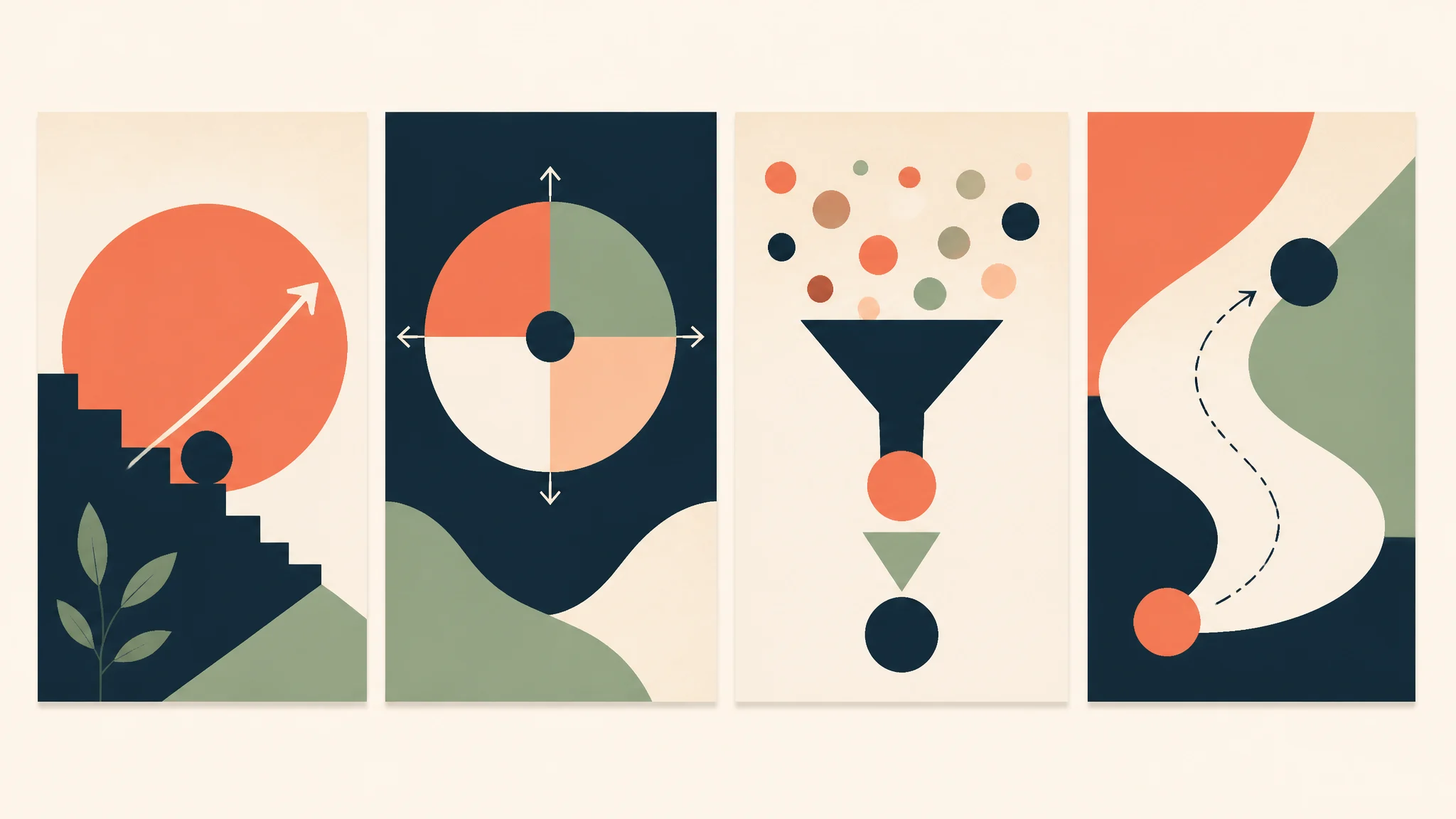
Create a square 1:1 carousel opening-image background for [educational topic], using one simple editorial metaphor: [object or scene], [brand colors] used sparingly, soft studio light, strong central composition with broad clean space for a later title, polished but understated visual, no text or icons. The image should introduce one idea rather than explain every slide.
The opening slide earns attention; the later slides should carry the details. Generate a coherent visual base, then build the series in a layout system.
6. Carousel supporting visual
Create a square social carousel supporting image for the point “[single lesson],” showing a focused close-up of [object / hands / workspace] that makes the lesson tangible, realistic materials, even natural light, quiet background, consistent [brand-color] accent, clean margin for a short label added later, 1:1 crop. No words, diagrams, or unreadable labels.
Repeat the same background tone, lighting, and accent color across several generations to make a carousel feel intentionally connected.
7. YouTube thumbnail base
Create a horizontal 16:9 YouTube thumbnail visual base for [video topic], with a clear expressive host or a single product as the main focal point, high visual separation from a simple background, one recognizable contextual object, energetic but believable light, large uncluttered space on the [left / right] for later thumbnail typography, crisp editorial image. No text, fake UI, exaggerated reaction, or brand marks not provided.
Create separate thumbnail typography later. This also makes it easier to test alternate titles without regenerating the entire image.
8. Product-launch announcement
Create a launch announcement visual for [product], using an approved reference image as the source where product accuracy matters. Place it in a minimal studio environment with [brand-color] paper or plinth, soft edge light, a sense of reveal without smoke or spectacle, wide negative space for later launch copy, square 1:1 crop. Preserve the real product color, shape, material, and visible details. Do not invent features, release dates, or claims.
Launch assets often get reused in ads, email, and press kits. Start with a flexible image with clean margins.
9. Event announcement
Create a social event visual for [event type], showing a welcoming [venue / desk / stage detail / community scene] before guests arrive, warm practical lights, [brand colors] expressed through small environmental accents, balanced composition with a clear title area reserved for later design, vertical 4:5 crop, realistic editorial photography. No date, location, sponsor marks, or ticket claims in the generated image.
Event facts change. Keep them outside the generated image so the post can be updated without recreating the visual.
10. Limited-time promotion background
Create a simple promotional social-image background for [approved offer], with the accurate [product] centered on a clean [brand-color] surface, controlled highlight and soft shadow, one restrained seasonal or tactile element, generous clear space for later offer copy and required terms, square 1:1 crop, polished retail photography. No text, percentages, prices, badges, countdowns, or guarantees.
Add the actual offer only after approval. This prevents a visual from accidentally publishing an expired price or misleading promotion.
11. Customer or community story
Create a warm community-story visual for [theme], showing a genuine-feeling [creator / customer / small team] doing [specific activity] in a believable location, soft natural light, respectful observational composition, authentic details without visible private information, vertical 4:5 crop, editorial documentary style. Do not depict a real customer or use a reference person without their permission; no quotes or testimonial text in the image.
Use a real approved customer photograph when the post claims to show a real story. A generated image is better suited to an illustrative, clearly non-documentary concept.
12. Brand mood-board post
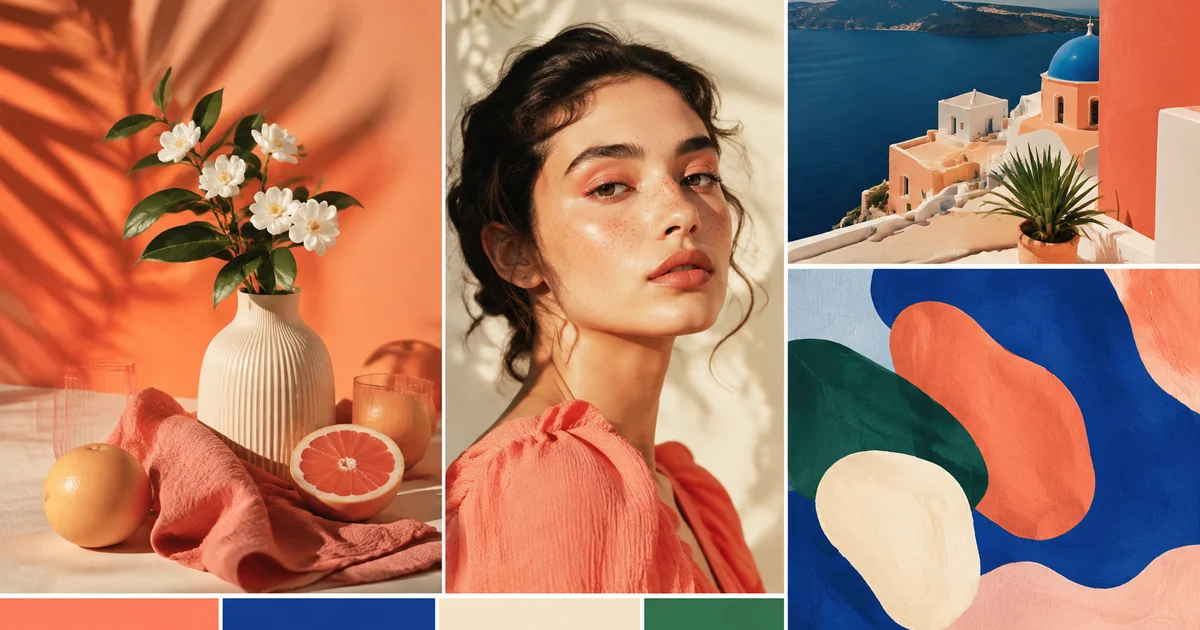
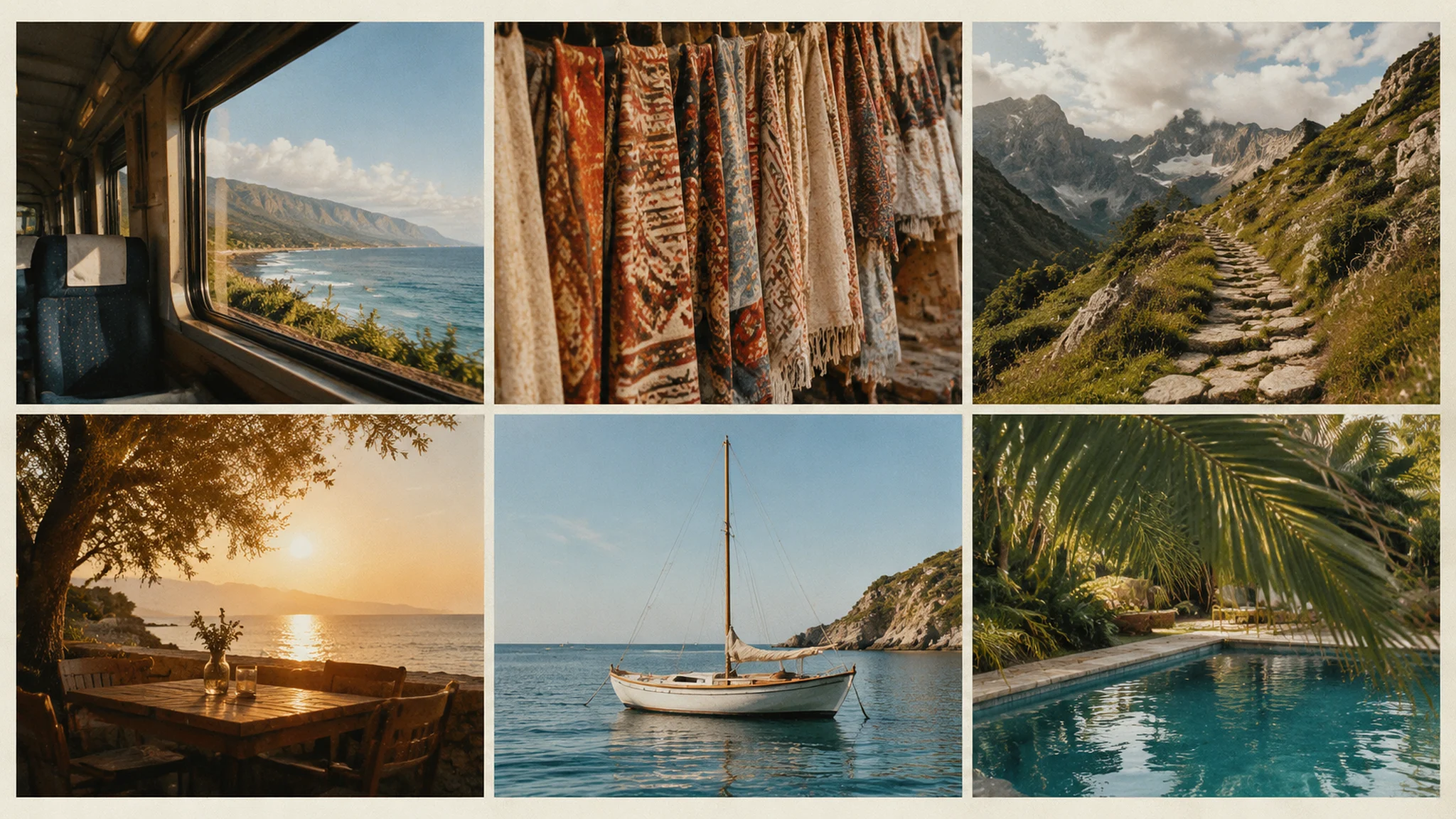
Create a clean social mood-board composition for [season or campaign theme], arranged as four related visual fragments: [material], [location], [product detail], and [color], connected through warm [brand-color] accents and consistent soft light, editorial styling, square 1:1 crop, enough visual rhythm to support a later short caption. No text, logos, or copied competitor artwork.
Mood boards are a useful way to establish a season before individual product or event posts are ready.
Keep a campaign visually consistent
Create a short visual recipe before generating variations: approved color range, one lighting direction, two textures, crop family, and the amount of empty space. Reuse the same recipe across prompts, changing the campaign-specific subject but not every styling decision.
For a product campaign, use the same permitted reference image and explicitly state the non-negotiable product details each time. For a people-focused campaign, obtain permission for any reference photo and review the final image for identity, representation, and context.
An image should also survive responsive crops. Export the underlying visual with enough margin, then test square, 4:5, 9:16, and horizontal placements. Do not assume a beautiful vertical composition will work as a LinkedIn banner or YouTube thumbnail.
Social-image review checklist
Before publishing, check:
- Does the image communicate one idea at thumbnail size?
- Is the main visual inside the safe area for the chosen platform?
- Is there enough contrast and empty space for accessible, approved copy?
- Are all product details, people, logos, and locations authorized and accurate?
- Have price, offer, legal language, and final typography been added separately?
- Does the post use the approved brand system without imitating another brand’s protected identity?
For a product-focused visual workflow, see AI product photo prompts for ecommerce. When the brief is set, start a social image workflow in Imagine.
FAQ
What is a good prompt for an AI image generator for social media?
A good prompt names the campaign purpose, visual subject, brand system, crop, and negative space for later copy. It also says what must not be invented, especially text, prices, product claims, and logos.
Which image size should I ask for?
Start with the channel’s main placement: 4:5 for an Instagram feed post, 1:1 for versatile square assets, 9:16 for Stories and Reel covers, 1.91:1 for LinkedIn, 2:3 for Pinterest, and 16:9 for YouTube. Keep extra margin for later cropping.
Can AI create text for social media graphics?
Treat generated text as a rough visual placeholder at most. Add final headlines, captions, prices, dates, and legal copy in a design tool where spelling and layout can be checked.
How do I make several posts look like a campaign?
Reuse a short visual recipe: the same palette, lighting, texture, crop family, and type layout. Change the subject or message while keeping those fixed choices stable.
Can I use a generated image as a customer testimonial?
Do not present a generated person or scene as a real customer story. Use approved real customer content for factual testimonials, or clearly treat generated imagery as an illustrative campaign visual.
Put the workflow into practice
Create a focused first image
Start with included credits, keep the prompt and references together, and refine the result in your private Imagine workspace.
Open Imagine