Prompt Writing
12 AI Headshot Prompts for Professional Portraits
Adapt 12 AI headshot prompts for founders, teams, speakers, designers, and job seekers with better lighting, backgrounds, and reference guidance.
In this guide
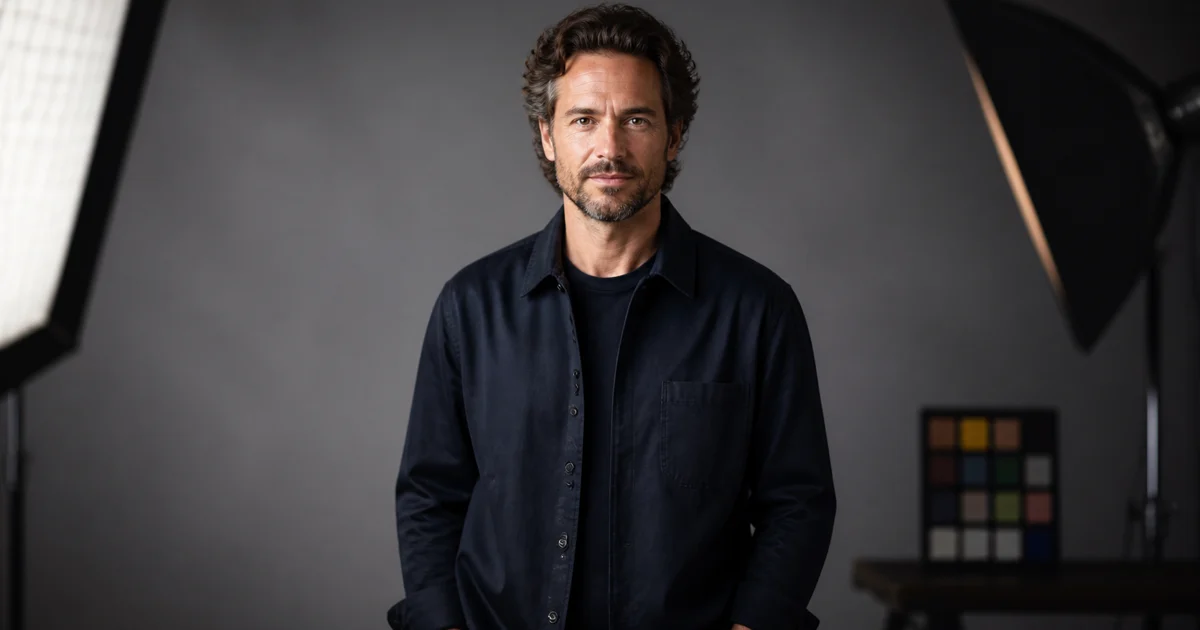
A professional AI headshot is not defined by a suit, a perfect smile, or a generic studio backdrop. It should communicate the person’s role, level of confidence, audience, and working context while still looking like a believable portrait.
The prompt needs to control more than appearance. It should identify the intended use, expression, crop, camera height, background, wardrobe, lighting, and degree of retouching. If identity matters, a permitted reference image can provide information that text alone cannot.
These 12 AI headshot prompts are starting points for profile pages, speaker bios, founder brands, portfolios, resumes, and consistent team directories. Replace the role and visual details with your own context instead of copying every adjective.
For more general prompt structure, start with How to Write AI Image Prompts. For a broader portrait workflow, visit the AI headshot generator use case.
The professional headshot prompt formula
Build a professional portrait prompt in this order:
- Role and audience: founder, designer, consultant, speaker, engineer, recruiter, or another clear context.
- Expression and posture: calm direct gaze, relaxed confidence, thoughtful expression, open shoulders, or a natural three-quarter pose.
- Wardrobe and grooming: specify only details that support the role and brand.
- Crop and camera: profile square, chest-up, waist-up, eye-level camera, or vertical speaker portrait.
- Background and lighting: simple studio, office, creative space, soft window light, or controlled key and fill.
- Finish: natural skin texture, restrained retouching, editorial photography, or clean corporate portrait.
Avoid describing a person as “perfect.” Natural asymmetry, believable skin texture, and a relaxed expression usually make the image more credible.
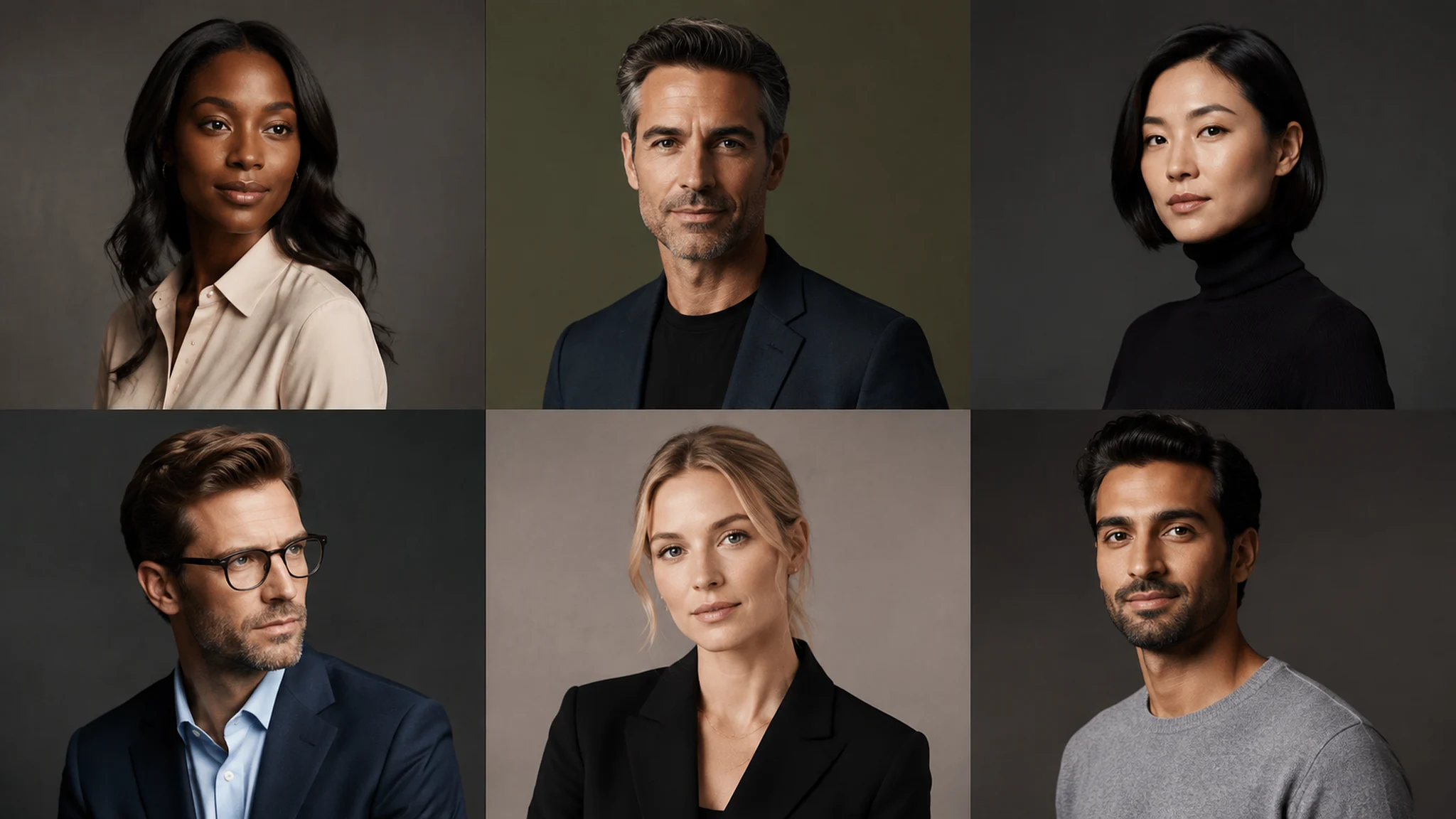
12 AI headshot prompts
Founder and executive portraits
Professional founder headshot for a climate technology company, calm direct gaze, navy overshirt, chest-up crop, warm gray studio background, soft directional key light, natural skin texture, restrained retouching, editorial business photography for an About page.
Technology company executive portrait, approachable confidence, charcoal blazer over a simple white shirt, shoulders angled slightly toward the camera, controlled softbox lighting, deep neutral background, crisp eyes and believable complexion, vertical 4:5 crop for a leadership page.
Founder portrait for a mission-driven consumer brand, relaxed expression, textured olive overshirt, warm daylight from a large window, subtle studio plants softly out of focus, honest natural color, waist-up editorial photography for a press kit.
The role should match the visual tone. A venture-backed founder, a nonprofit director, and a creative studio owner may all need professional portraits, but their wardrobe and setting should not be identical.
Team and workplace portraits
Consistent remote team headshot, friendly direct gaze, shoulders square to camera, warm off-white background, even soft light, simple smart-casual wardrobe in muted blue, natural facial detail, centered square crop for a company directory.
Product design team portrait in a bright creative studio, three colleagues standing with relaxed open posture, consistent soft window light, neutral clothing with one shared cobalt accent, natural expressions, horizontal composition for a team page.
Customer success lead profile portrait, approachable smile without exaggerated retouching, light gray knitwear, pale blue-gray seamless background, soft frontal light with gentle shadow, chest-up crop, clean professional photography for a help center profile.
When creating a team set, keep camera height, crop, background, and lighting consistent. Adapt wardrobe and expression to each person rather than forcing identical poses.
Speaker and consultant portraits
Conference speaker portrait of a sustainability consultant, dark green jacket, open confident posture, soft warm spotlight against a charcoal background, realistic complexion, subtle depth of field, vertical composition for an event website and speaker bio.
Editorial portrait of a research advisor, thoughtful expression, light blue shirt, quiet library background with books softly blurred, natural side light, restrained color grading, chest-up crop for a publication contributor page.
Executive coach portrait in a calm modern office, relaxed shoulders, direct but warm expression, cream knitwear, daylight through blinds creating gentle lines, realistic editorial photography, 3:2 crop for a long-form profile.
Give a speaker portrait a little more editorial character when appropriate, but keep the face and expression readable at thumbnail size. The final crop should work both on an event page and in a social announcement.
Designer, creator, and job-search portraits
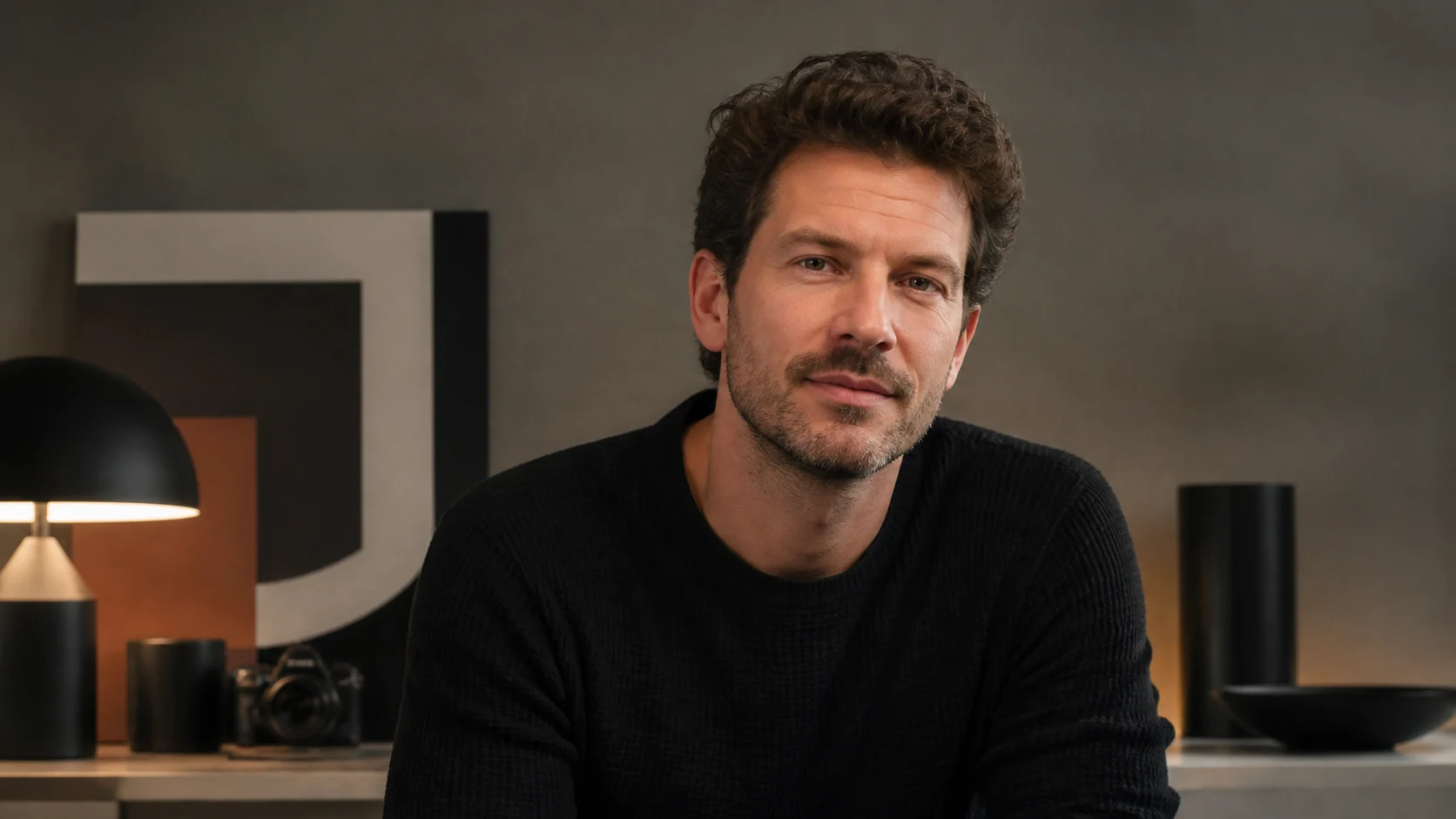
Approachable product designer profile portrait in a bright creative studio, thoughtful expression, black crew-neck shirt, sketches softly blurred behind the subject, large window light from camera left, natural skin texture, modern magazine profile, square crop.
Freelance illustrator portrait for a portfolio About page, colorful studio wall softly out of focus, simple dark shirt, relaxed half-smile, soft directional light, tactile editorial photography, waist-up 3:2 composition with clear subject separation.
Professional resume portrait for a software engineer, calm friendly expression, navy knit sweater, clean neutral background, eye-level camera, balanced soft light, accurate natural features, restrained retouching, square profile crop.
Only include workplace props when they add context. A desk full of objects can make a profile image feel busy and can distract from the face.
Using a reference photo
A reference photo is useful when likeness or identity matters. Use a recent, sharp image with an unobstructed face and permission to use it. Avoid wide-angle distortion, extreme shadows, heavy filters, or images that show a person in a context you do not have permission to reuse.
A practical reference instruction is:
Keep the person’s identity and natural facial proportions from the reference image. Change the wardrobe to a navy overshirt, use a warm gray studio background, add soft directional light, preserve natural skin texture, and create a chest-up crop for a professional profile. Do not make the face younger or excessively retouched.
Tell the model what to preserve and what to change. Do not assume that a reference image automatically locks every detail. Review hair, eyes, teeth, skin, clothing, and background after generation.
Lighting, wardrobe, and background choices
Soft window light creates an approachable editorial feeling. Even studio light is useful for consistent team directories. A controlled key light with gentle fill can create more authority for an executive portrait. Hard dramatic lighting should be used only when it matches the role and destination.
Wardrobe should support the person’s context without becoming a costume. Describe color, material, and level of formality rather than naming a luxury brand. For team images, choose a shared visual system such as neutral backgrounds and one accent color.
Backgrounds should separate the subject from the page or crop. A plain studio is reliable, while a softly blurred workspace adds context. Remove distracting text, logos, and unrelated objects unless they are intentionally part of the brief.
Common AI headshot problems
An overly perfect face
Ask for natural facial detail, believable asymmetry, restrained retouching, and a relaxed expression. Do not ask for a flawless face.
A generic corporate result
Name the role, audience, wardrobe, and setting. “Professional headshot” alone gives the model too much room to choose a stock-photo look.
Inconsistent team portraits
Keep camera height, crop, background, and lighting fixed. Change only person-specific details.
An unusable crop
State whether the image is for a square profile, vertical speaker bio, resume, or wide About page. Leave enough space around the head and shoulders for responsive layouts.
Identity drift
Use a permitted reference photo and explicitly name the facial and identity details that should remain consistent. Inspect every result before publishing.
Refining a headshot one decision at a time
When a first result is close, do not rewrite the entire prompt. Use a short correction:
- Keep the face, crop, and background. Replace the blazer with a navy overshirt.
- Keep the wardrobe and expression. Move the camera to eye level and soften the key light.
- Preserve the person and lighting. Create a square crop with more space above the head.
- Keep the portrait realistic. Reduce retouching and restore natural skin texture.
This approach makes it clear which change improved the image. You can also compare the result against the AI portrait generator workflow and browse reusable examples in the prompt collection.
Start a professional portrait workflow in Imagine.
FAQ
What should an AI headshot prompt include?
Include the professional role, intended use, expression, wardrobe, crop, camera height, background, lighting, and a realistic finish. Add only details that change the image.
Can I use a selfie as a reference?
You can use a selfie when you have permission and it clearly shows the face. A sharp, front-facing image with even light generally gives better identity guidance than a filtered or heavily angled selfie.
How do I make a headshot look less artificial?
Ask for natural skin texture, restrained retouching, believable catchlights, a relaxed expression, and soft realistic lighting. Avoid “perfect” or overly polished language.
Should a team use the same prompt?
Use the same structure and fixed visual system for crop, camera, background, and lighting. Adapt the person-specific role, wardrobe, and expression.
Can an AI headshot replace a real profile photo?
It can provide a useful concept or profile image, but review identity accuracy, consent, workplace rules, and disclosure expectations before publishing it.
Put the workflow into practice
Create a focused first image
Start with included credits, keep the prompt and references together, and refine the result in your private Imagine workspace.
Open Imagine