Prompt Writing
10 AI Product Photo Prompts for Ecommerce Images
Use these AI product photo prompts to plan white-background, lifestyle, flat-lay, detail, and seasonal ecommerce visuals from an accurate product reference.
In this guide
AI product photo prompts help a small ecommerce team turn one clear product brief into several useful visual directions: a marketplace-ready main image, a campaign hero, a lifestyle scene, a close detail, or a seasonal variation. They work best when they begin with an accurate reference image and a clear idea of where the image will appear.
This is an important distinction. An image generator can explore art direction, composition, lighting, and setting. It should not be treated as a source of truth for a product’s dimensions, materials, safety claims, included accessories, or functionality. Keep the actual product reference close at hand, review every generated image, and use real product photography wherever exact representation is required.
The prompts below are designed for ecommerce teams using an AI product photo generator as part of a visual-production workflow. Change the bracketed details, then test the prompt with a reference image before preparing the final asset for a listing, campaign, or social post.
For a broader introduction to creating images, read the free AI image generator guide. For product-oriented workflows, visit the ecommerce image generator use case.
Start with a product-accurate brief
Before writing an AI product photo prompt, collect four things:
- A permitted reference image: use a sharp front, side, or three-quarter view. Include the product, not a heavily edited mockup.
- The non-negotiable details: colorway, visible material, shape, closure, logo treatment, packaging, and included parts that must not change.
- The destination: a marketplace main image, product detail page, paid campaign, email, social post, or printed lookbook each has different cropping and copy needs.
- A visual direction: name the surface, lighting, mood, perspective, and amount of negative space instead of asking for a vague “premium” result.
A practical instruction to add before any prompt is: “Use the reference product as the visual source. Preserve its visible shape, color, material, and construction. Do not add logos, accessories, features, or claims not present in the reference.” That does not eliminate mistakes, but it gives the review process a clear standard.
10 AI product photo prompts
1. Clean white-background listing image
Use the reference [product] as the visual source. Preserve its visible shape, [color], [material], and construction. Create a centered three-quarter product photo on a pure white background, soft even studio light, natural contact shadow, clean edges, high-resolution ecommerce catalog style, square crop with comfortable margins. Do not add props, text, extra accessories, or branding not visible in the reference.
This is a reliable first test because the output is easy to compare with the real product. Keep the backdrop simple and check the silhouette, seams, handles, closures, reflections, and shadow before using it as a listing image.
2. Homepage campaign hero
Use the reference [product] accurately. Place it as the clear hero object on a [stone / paper / textured fabric] surface, low-angle three-quarter camera view, directional morning light from the left, restrained shadows, [brand color] background plane softly out of focus, generous negative space on the [left / right] for later copy, premium editorial product photography, wide 16:9 composition. No text or invented product features.
Tell the designer where copy will sit, but add the actual words later in a layout tool. Generated lettering is rarely dependable enough for a sales page.
3. Everyday lifestyle scene
Keep the reference [product] accurate and clearly visible. Show it in use within a believable [commuter / home office / weekend travel] scene, natural interaction without hiding key product details, warm late-afternoon window light, candid editorial photography, realistic scale, a calm [city apartment / train platform / park] background softly blurred, vertical 4:5 crop for an ecommerce campaign. Do not change the product color, shape, or materials.
Lifestyle images should answer a context question: where does the item belong and how is it used? Choose one activity rather than filling the scene with unrelated props.
4. Flat lay with merchandising space
Create a top-down flat-lay product photo using the reference [product] in the center. Arrange only relevant companion objects: [one or two truthful accessories or materials], on a [warm gray / pale blue / natural paper] background, soft overhead light, carefully spaced composition, realistic shadows, visual hierarchy that keeps the product dominant, square crop with clear empty space for later product information. Do not include text, invented accessories, or unrelated branded items.
Flat lays are useful when color, material, or a collection story matters. Ensure every companion object is either sold with the product, clearly identified as styling, or removed.
5. Beauty and personal-care still life
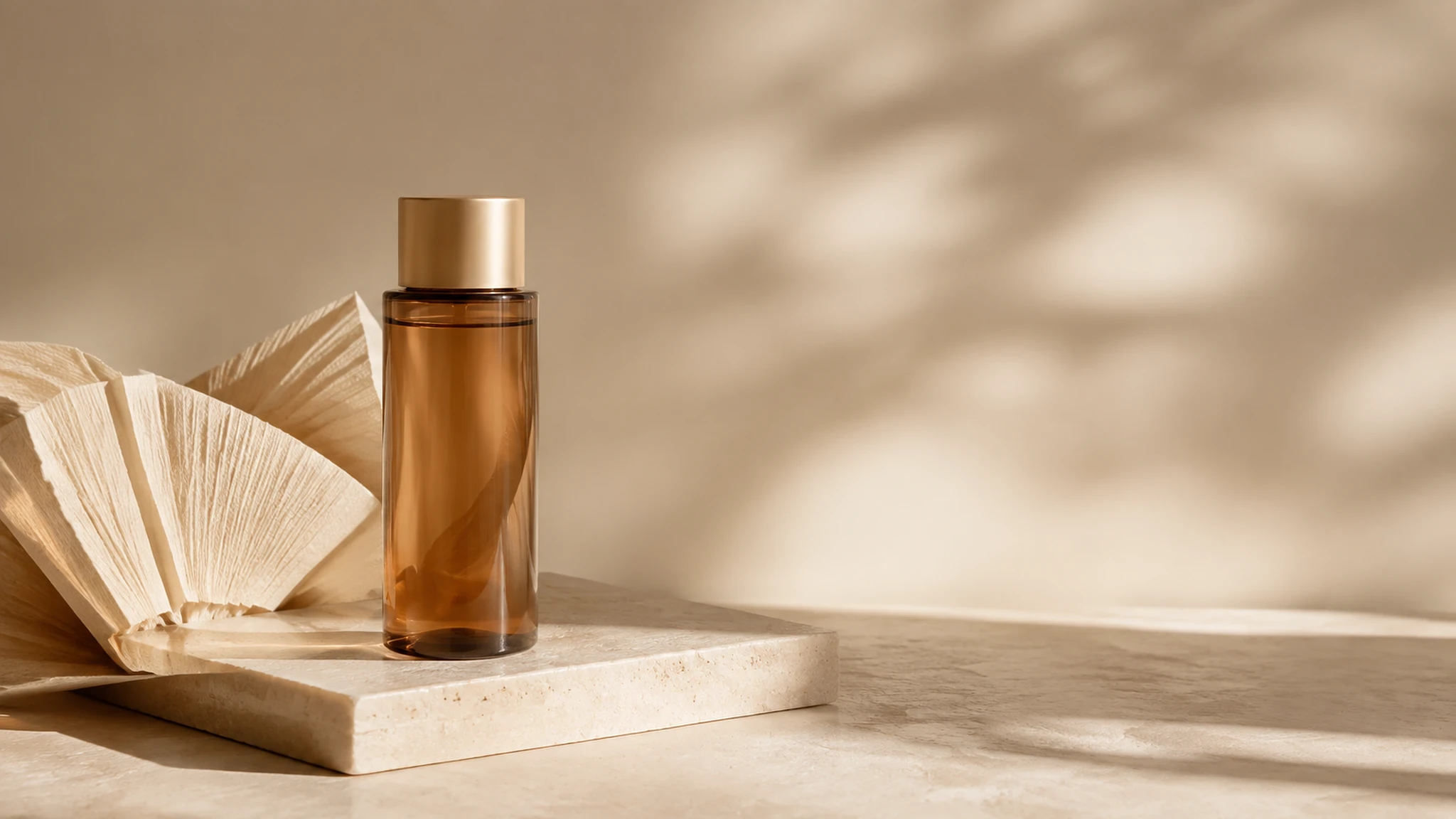
Use the reference [bottle / jar / tube] accurately. Create a clean beauty campaign still life on a matte [cream / pastel green / warm pink] plinth, gentle side light with soft shadow, a small amount of [water droplets / botanical texture / translucent fabric] that supports the product without obscuring its label, refined editorial photography, vertical 4:5 crop. Preserve the package proportions, cap, color, and visible label layout. Do not make medical, cosmetic, or performance claims in the image.
Avoid asking for an exact label text reproduction. Use the generated scene as a direction, then verify packaging and add approved copy in post-production when needed.
6. Food and beverage serving scene
Preserve the reference [food or beverage package] accurately. Photograph it in a simple serving moment with [one truthful prepared serving / glass / plate], natural daylight, appetizing but realistic color, clean tabletop, shallow depth of field, editorial food photography, horizontal 3:2 crop. Keep the packaging readable and unobstructed. Do not invent ingredients, nutrition claims, certifications, or serving sizes.
Food imagery can easily imply a flavor, ingredient, or serving suggestion the product does not offer. Have the product owner review it before publication.
7. Consumer electronics detail shot
Use the reference [device] as the exact product source. Create a close three-quarter detail image on a dark charcoal surface, controlled rim light revealing the real [material / ports / buttons / texture], crisp focus on the product, subtle reflection, restrained high-end technology photography, wide 3:2 crop. Preserve every visible port, button, indicator, and proportion. Do not add screens, specifications, interfaces, or capabilities that are not present in the reference.
Detail images help a visitor inspect a finish or control, but they need the strictest accuracy review. A plausible-looking port or display can still be wrong.
8. Apparel and accessory editorial image
Use the reference [garment / bag / shoe] accurately. Show the product worn or carried in a minimal editorial street scene, relaxed natural pose, soft overcast daylight, full product visible, realistic fabric texture and construction, muted architecture in the background, vertical 4:5 crop. Preserve the product color, stitching, hardware, and silhouette. Do not alter fit, add a logo, or invent pockets and fastenings.
If the item is size-specific, include the real sizing notes beside the final image rather than relying on a generated model to communicate fit.
9. Paid-ad product composition
Make the reference [product] the focal point of a crisp paid-social visual. Place it on a simple [solid color / softly textured] background that matches [brand palette], direct studio lighting, a clear central silhouette, one restrained prop for scale, bold composition with a clean upper third and side margin reserved for later design, square 1:1 format. No text, prices, discounts, ratings, guarantees, or unsupported claims.
This prompt produces a layout-ready base, not a finished advertisement. Add legal copy, price, offer, and call to action after the approved visual is selected.
10. Seasonal campaign variation
Preserve the reference [product] exactly. Create a seasonal campaign product image for [season or event], using a restrained [autumn leaves / winter paper texture / spring flowers / festive ribbon] styling cue, soft directional studio light, a clear product-first composition, realistic surface texture, refined retail editorial photography, horizontal 16:9 crop with negative space for later campaign copy. Do not modify the product, imply a limited edition, or add event-specific claims unless approved.
Seasonal styling is most useful when it can be updated without changing the underlying product story. Keep the setting subtle enough that the same image can still support a normal product page.
How to refine an AI product photo
Work in small changes. A first image that has the right scene but the wrong light needs a lighting correction, not a new paragraph of prompt text. Try corrections such as:
- “Keep the product and composition. Change to soft overhead light and reduce the reflection.”
- “Preserve the product. Move the camera to a three-quarter view with more margin around the item.”
- “Keep the setting. Remove the extra prop and leave clear space on the right for later copy.”
- “Use the reference details more closely. Restore the real closure, hardware, and material texture.”
Save the reference, exact prompt, output, and approval note together. A simple record makes it easier to repeat a good art direction and to explain how an image was made.
Product-photo review checklist
Before an image goes live, check it against the physical product or approved source photography:
- Is the product silhouette, color, material, and construction accurate?
- Are the logo, packaging, accessories, and labels approved?
- Has the image introduced a feature, ingredient, measurement, warranty, or performance implication?
- Is the crop appropriate for the listing or campaign placement?
- Does the image leave room for later copy without relying on generated text?
- Is the use of a person, location, or reference image authorized for this channel?
For more prompt patterns, browse the prompt collection. When the visual brief is ready, start an ecommerce image workflow in Imagine.
FAQ
What should an AI product photo prompt include?
Include an accurate reference instruction, the product details that must remain unchanged, the intended page or campaign placement, camera angle, lighting, surface or setting, crop, and a clear list of things not to invent.
Can I use AI product photos for an online store?
They can be useful for art direction and approved campaign assets, but review every image for accuracy. Use truthful product information, follow marketplace rules, and do not let a generated image substitute for details shoppers need to make an informed purchase.
How do I keep the product consistent across several images?
Reuse the same approved reference image and fixed product description. Keep the non-negotiable details in every prompt, then change only the setting, crop, or lighting. Compare each result against the reference before approval.
Should I ask the image generator to add text or prices?
No. Reserve text, prices, legal claims, ratings, and calls to action for a design tool after the image is approved. This keeps copy correct, editable, and legible in every placement.
What is the difference between a product photo generator and a product mockup?
A product-photo workflow is intended to depict the actual item in a scene or studio composition. A mockup generally shows a design applied to a placeholder object. Both need review, but product photography needs especially careful checking of the physical item.
Put the workflow into practice
Create a focused first image
Start with included credits, keep the prompt and references together, and refine the result in your private Imagine workspace.
Open Imagine